
How to Use SaleSmartly with IBM: Setup, Workflow & Examples
SaleSmartly handles the conversations; IBM handles the intelligence and enterprise plumbing behind them. Used together, they let a support team answer customers on WhatsApp, Messenger, Instagram, email, and more from one inbox, while IBM's AI and automation layer classifies, enriches, and routes the work before a human ever touches it.
This guide explains how the two products fit together, the integration paths you can realistically build, a step-by-step setup, worked examples, and the trade-offs you should know before committing.
Why pair SaleSmartly with IBM?
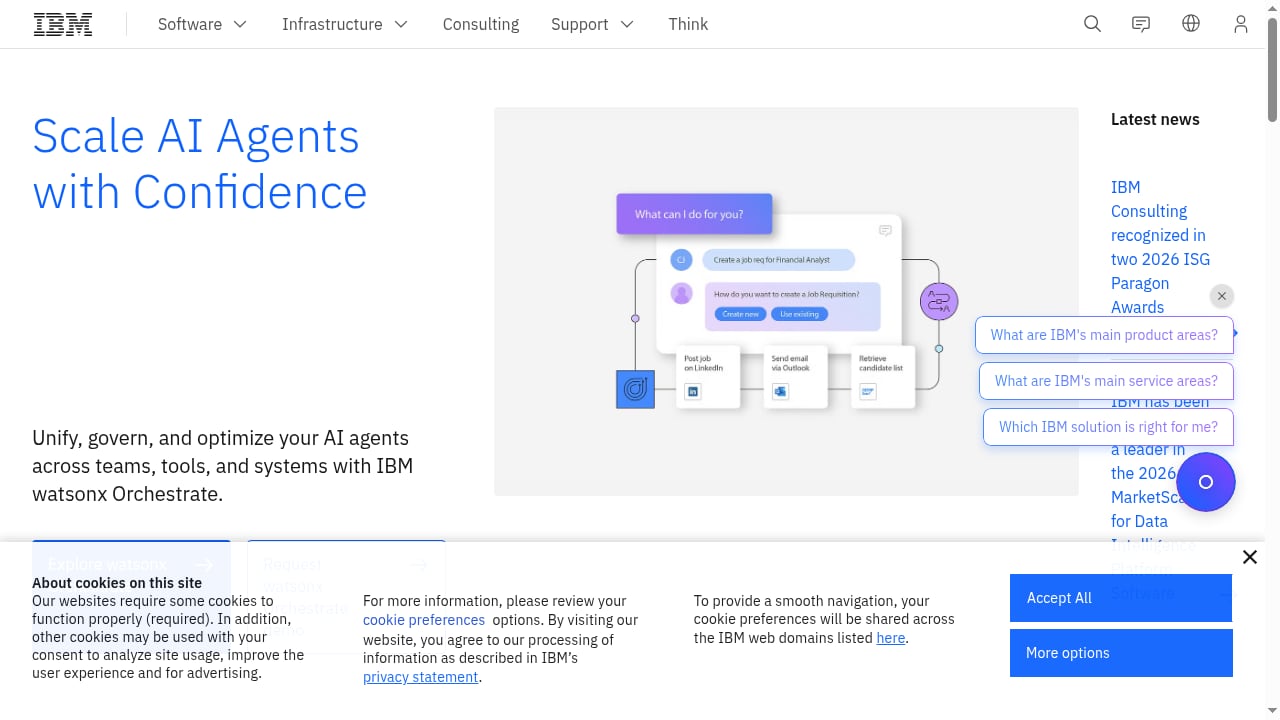
First viewport screenshot of IBM.
SaleSmartly is an omnichannel customer communication and AI customer service platform built for cross-border businesses and ecommerce sellers. It unifies channels such as WhatsApp, Facebook Messenger, Instagram, Telegram, LINE, Email, VKontakte, WeChat, Zalo, and YouTube into one workspace, and adds AI-assisted replies, chatbots, SCRM, email marketing, and remarketing.
IBM brings the enterprise layer: AI and automation, hybrid cloud infrastructure, application resource management, and mainframe modernization. IBM's own transformation produced USD 4.5 billion in productivity gains, CrushBank cut data discovery from weeks to days using IBM Bob, and Wimbledon uses AI to engage fans — evidence that IBM's stack is built for scale, not just chat.
The split of responsibilities looks like this:
| Layer | SaleSmartly | IBM |
|---|---|---|
| Channel connectivity | WhatsApp, Messenger, Instagram, Telegram, LINE, Email, VKontakte, WeChat, Zalo, YouTube | Not a channel provider |
| Conversation UI | Unified inbox, agent workspace, SCRM | Consumed via API or embedded app |
| AI at the edge | AI assistant, smart replies, translation, voice-to-text, image text extraction | watsonx models, IBM Bob, agentic reasoning |
| Automation | Chatbot flows, triggers, remarketing | App Connect, Turbonomic, enterprise orchestration |
| Data & compliance | ISO 27001, CCRC, Meta official partner | Enterprise governance, hybrid cloud controls |
In short: SaleSmartly is where the customer conversation lives. IBM is where the business logic, models, and enterprise systems live.
What the combination actually solves
First viewport screenshot of All England Lawn Tennis Club - Wimbledon | IBM.
- Fragmented channels. SaleSmartly collapses ten-plus messaging apps into one inbox; IBM doesn't need to care which channel a message came from.
- Shallow AI. SaleSmartly's built-in AI handles translation, smart replies, and chatbot flows well. IBM watsonx handles heavier reasoning, retrieval over enterprise knowledge, and multi-step agentic tasks.
- Manual triage. Instead of agents reading every message, IBM can classify intent and sentiment, then push a priority score back into SaleSmartly's routing.
- Siloed customer data. SaleSmartly's SCRM stores the conversation history; IBM can enrich it with order, billing, or CRM data from core systems.
- Compliance and scale. IBM's hybrid cloud controls and SaleSmartly's ISO 27001 and CCRC certifications give regulated teams a defensible stack.
Integration paths: how SaleSmartly and IBM connect
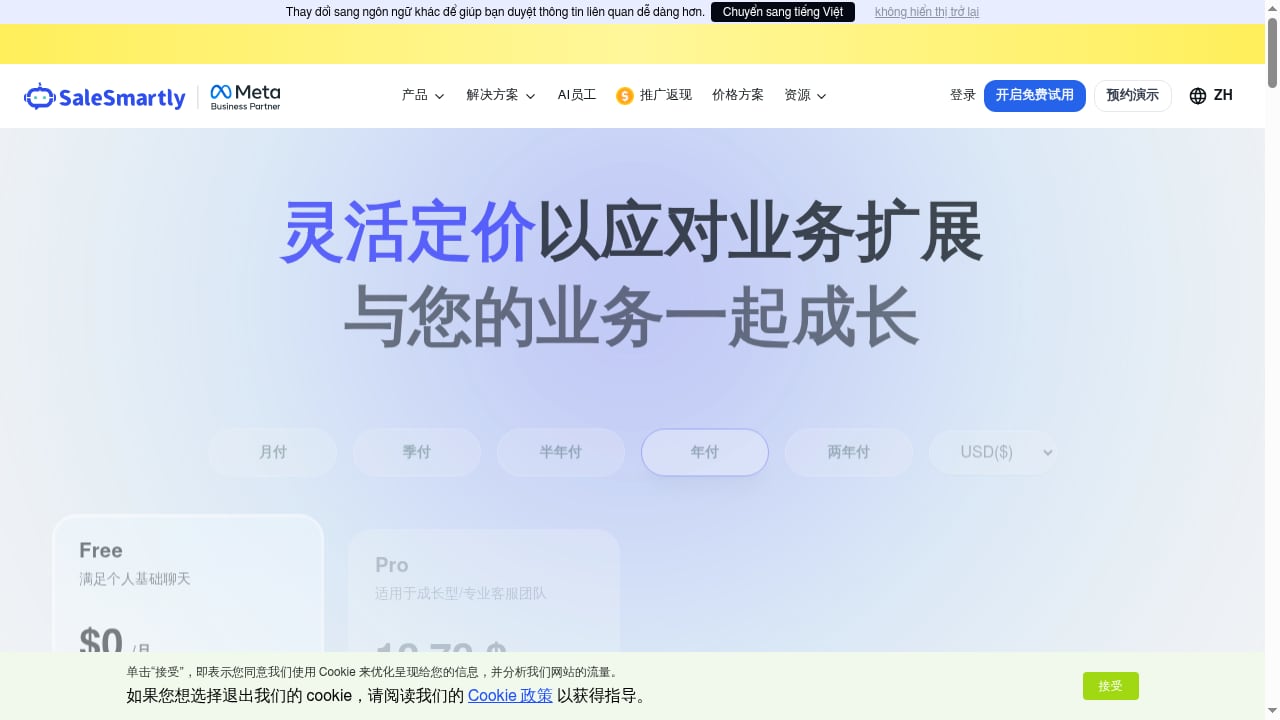
First viewport screenshot of SaleSmartly pricing plans - the most cost-effective cross-border AI online customer service system.
There is no single "official" one-click connector, so most teams pick one of four patterns. Choose based on how much engineering you have.
1. Webhook + API (most common)
SaleSmartly sends events (new message, new contact, tag change) to an endpoint you host. That endpoint calls IBM watsonx or an IBM App Connect flow, gets a decision, and posts the result back to SaleSmartly via its API — for example, to add a tag, assign an agent, or send a reply.
Best for: teams with a backend developer who want full control.
2. iPaaS orchestration (IBM App Connect)
Use IBM App Connect to sit between SaleSmartly and your enterprise systems. App Connect handles retries, mapping, and connectors to Salesforce, SAP, or a data warehouse, then writes the enriched result back to SaleSmartly.
Best for: enterprises that already run IBM middleware and want governance without custom glue code.
3. Embedded AI assistant
Keep SaleSmartly's AI assistant as the first responder for common questions, and escalate only low-confidence conversations to an IBM watsonx agent. This keeps token costs and latency down while still using IBM's reasoning where it matters.
Best for: high-volume ecommerce teams that want cost control.
4. Human-in-the-loop review
IBM classifies and drafts; a SaleSmartly agent approves or edits before sending. Useful in regulated industries where every outbound message needs a human sign-off.
Best for: banking, healthcare, and any team with compliance review requirements.
Step-by-step setup
Step 1: Prepare the SaleSmartly side
- Connect every channel you support in SaleSmartly (WhatsApp, Messenger, Instagram, Telegram, LINE, Email, and so on).
- Create the tags you'll use for IBM-driven routing — for example
intent-billing,intent-returns,vip,escalate-human. - Generate an API key from your SaleSmartly workspace settings and note the base URL.
- Decide which events should trigger IBM: new inbound message, new contact created, tag added, or SLA breach.
Step 2: Prepare the IBM side
- Provision access to the IBM service you'll use — watsonx for models, IBM Bob for agentic data tasks, or App Connect for orchestration.
- Create a service credential and store it in a secrets manager, not in code.
- If you're using watsonx, deploy or select the model you want and note the deployment ID.
- If you're using App Connect, build a flow with two endpoints: one inbound from SaleSmartly, one outbound back to SaleSmartly.
Step 3: Build the bridge
A minimal bridge does four things:
- Receive the SaleSmartly webhook payload.
- Normalize it into a shape your IBM service expects (contact ID, channel, message text, locale, order ID if present).
- Call IBM for classification, enrichment, or a drafted reply.
- Write back to SaleSmartly — add a tag, assign to a queue, or post a suggested reply.
Keep the bridge stateless. Store conversation state in SaleSmartly's SCRM or in your own database, not in the bridge itself.
Step 4: Test with a small channel first
Start with one channel and one intent — for example, order status on WhatsApp. Verify that:
- The webhook fires reliably.
- IBM returns a classification within your latency budget.
- The tag appears on the right contact in SaleSmartly.
- The agent sees the suggested reply in the right place.
Step 5: Scale and monitor
Once one flow works, add intents and channels one at a time. Track four metrics: classification accuracy, average response time, escalation rate, and cost per resolved conversation. If escalation rate climbs, your IBM prompt or your routing rules need tuning, not more automation.
Practical examples
Example 1: Cross-border order status
A customer in Brazil messages in Portuguese on WhatsApp. SaleSmartly receives it and fires a webhook. IBM translates and classifies the intent as order-status, looks up the order in the ERP, and returns a structured answer. SaleSmartly posts the reply in Portuguese and tags the contact order-status-resolved. The agent never opens the ticket unless the customer replies again.
Example 2: VIP escalation
A high-value customer complains on Instagram about a delayed shipment. IBM detects negative sentiment plus a lifetime-value flag from the CRM, and returns vip + escalate-human. SaleSmartly routes the conversation to a senior agent queue with the full context attached. Response time drops because the agent doesn't have to reconstruct the story.
Example 3: Returns triage at scale
During a peak season, returns messages spike. IBM classifies each one into return-eligible, return-needs-review, or return-denied, and drafts a reply for each. SaleSmartly's agents approve the drafts in bulk. This is the human-in-the-loop pattern, and it's the safest way to use IBM's reasoning without giving it send permissions.
Example 4: Knowledge-grounded answers
IBM watsonx retrieves the correct answer from your internal policy documents, then hands the citation back to SaleSmartly so the agent can verify it. This avoids the classic failure mode where a chatbot invents a refund policy.
Decision guidance: when this stack is worth it
First viewport screenshot of From constraint to capability.
| Situation | Recommended approach |
|---|---|
| Small team, one or two channels | Use SaleSmartly's built-in AI assistant only |
| Growing ecommerce team, 3–6 channels | SaleSmartly AI + light IBM classification |
| Enterprise with existing IBM middleware | Full App Connect orchestration |
| Regulated industry | Human-in-the-loop with IBM drafting |
| Heavy data discovery needs | Add IBM Bob for agentic data tasks |
If you're still comparing platforms, our breakdown of SaleSmartly vs Kustomer for AI customer service and CRM covers where SaleSmartly's omnichannel and SCRM strengths sit against a CRM-first tool. For a wider view of the market, see the top 10 AI customer service and helpdesk software for 2026.
Common pitfalls
- Treating IBM as a chatbot. IBM is an intelligence and orchestration layer. Don't expect it to manage WhatsApp sessions — that's SaleSmartly's job.
- Skipping the write-back. If IBM's output never lands in SaleSmartly, agents won't trust the system and will ignore it.
- Over-automating early. Start with tagging and routing before you let any system send messages autonomously.
- Ignoring latency. A 6-second IBM call feels broken in a chat window. Cache common intents and set a timeout that falls back to a human.
- No feedback loop. Log when agents override IBM's suggestion. That data is how you improve the model.
Related reading
- Decagon Review 2026: AI Concierge for Customer Service - Evidence-based Decagon review for 2026: AI concierge agents, AOPs, pricing signals, setup, limits, and who should choose it for customer service.
Sources and further reading
- What Is an Agentic Browser? Definition, How It Works, and AI Use Cases (2026 Guide) - Learn what an agentic browser is, how it works with AI agents, and why it matters for automation, multi-account management, and scalable workflows.
- How To Design Your Own Logo 2024 - Learn tips and tricks behind designing your own logo for a brand or business and how Xencelabs drawing tablets can help you create a logo fast!
- Nfc Tag Detected - 1. Improper Tag Positioning - [RFID OR NFC Tianjun Supplier] nfc tag detected. Your phone is letting you know that it scanned an NFC tag very close by. NFC tag detected notification. triggering a device to communicate with it.
FAQ
Does SaleSmartly have a native IBM integration?
There is no single official one-click connector. Most teams integrate through SaleSmartly's API and webhooks, with IBM App Connect or a custom bridge in between.
Can IBM watsonx replace SaleSmartly's built-in AI assistant?
It can, but that's usually the wrong trade-off. SaleSmartly's AI assistant is optimized for chat-level tasks like translation, smart replies, and image text extraction. Use IBM for the heavier reasoning and enterprise data lookups, and let SaleSmartly handle the conversational layer.
Which channels can I run through this stack?
Any channel SaleSmartly supports: WhatsApp, Facebook Messenger, Instagram, Telegram, LINE, Email, VKontakte, WeChat, Zalo, and YouTube. IBM doesn't need channel-specific logic because SaleSmartly normalizes the messages first.
Is this setup compliant for regulated industries?
SaleSmartly holds ISO 27001 and CCRC certifications and is a Meta official partner. IBM provides enterprise-grade governance and hybrid cloud controls. Combined with human-in-the-loop review, this is a defensible stack for banking, healthcare, and similar sectors.
What does it cost?
SaleSmartly pricing ranges from a free tier for personal use to Pro and Max plans for growing teams and large enterprises, with add-ons for AI assistant points, email services, and AI member message quotas. IBM costs depend on which services you use — watsonx, App Connect, IBM Bob, or Turbonomic — and are typically negotiated at the enterprise level.
How long does setup take?
A single-channel, single-intent pilot can be live in a few days with one developer. Full multi-channel rollout with App Connect orchestration typically takes several weeks.
Conclusion
SaleSmartly and IBM solve different halves of the same problem. SaleSmartly owns the conversation — every channel, every contact, every follow-up. IBM owns the intelligence and the enterprise systems behind it. The integration is not a checkbox; it's a bridge you build, usually through webhooks and APIs, sometimes through IBM App Connect.
Start small: one channel, one intent, one write-back. Measure accuracy and escalation rate. Then expand. If you want to compare SaleSmartly against other platforms before you commit to this architecture, our SaleSmartly vs Olark vs Desku comparison is a useful next read.