
Zendesk Review 2026: AI Customer Service Platform Tested
Zendesk has been the default name in customer service software for over a decade. In 2026, it markets itself as an AI-first resolution platform, not just a ticketing system. This review examines what Zendesk actually delivers: AI agents that resolve issues end-to-end, omnichannel ticketing, pricing signals, setup effort, and the limitations that matter before you commit.
We based this review on vendor documentation, verified user feedback from G2 and Gartner, published customer stories, and independent pricing analysis. Where Zendesk's own claims are strong, we note the evidence behind them. Where the product falls short, we say so.
What Zendesk is and who it's for
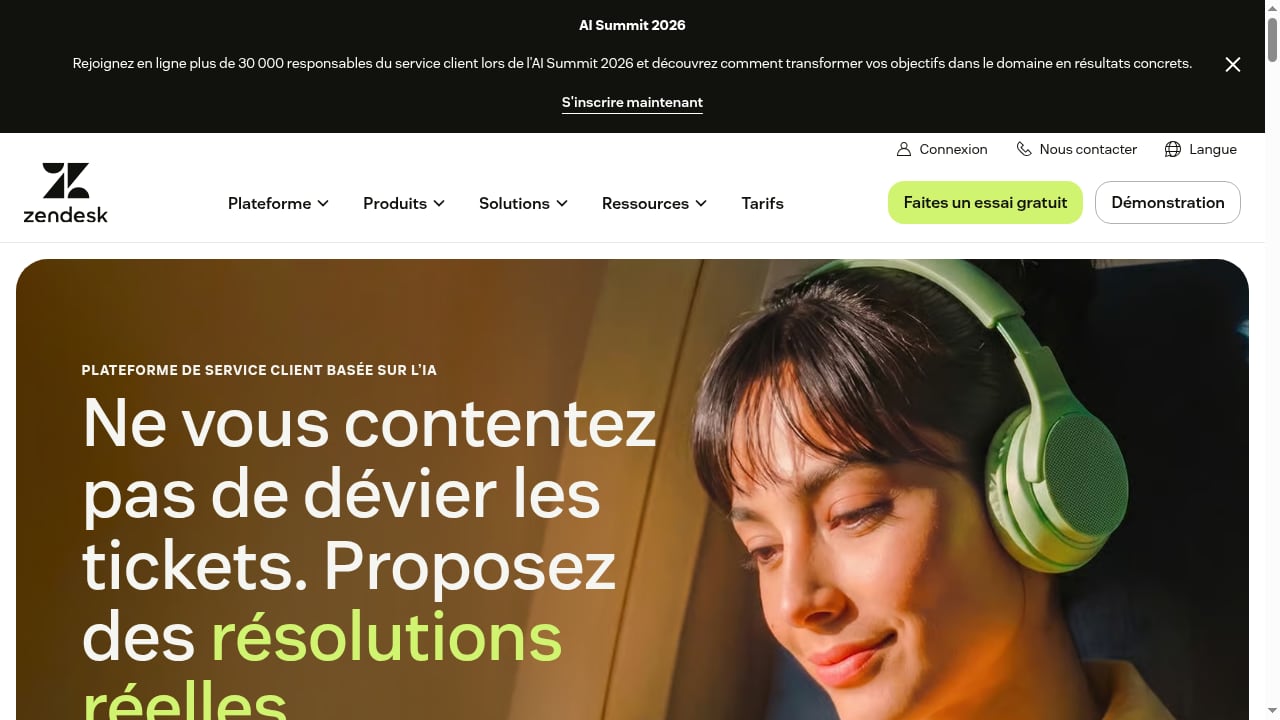
First viewport screenshot of AI-Powered Customer Service Platform | Zendesk.
Zendesk is a customer service platform that combines ticketing, messaging, voice, a help center, AI agents, and reporting in one system. It started in 2007 as a simple email ticketing tool and now powers support operations for more than 100,000 paying organizations, from small ecommerce stores to enterprises like Tesco and LATAM Airlines.
The platform fits teams that:
- Handle support across three or more channels (email, chat, phone, social messaging, WhatsApp)
- Need ticket workflows, SLAs, and routing that scale past a handful of agents
- Want AI to deflect routine questions and assist agents with replies and summaries
- Have the resources to configure a wide platform and manage add-on costs
Zendesk is less suited to very small teams (under 10 agents) that want a simple shared inbox, or to product-led SaaS companies that prioritize a free tier and built-in AI resolution at a low base price.
Core capabilities
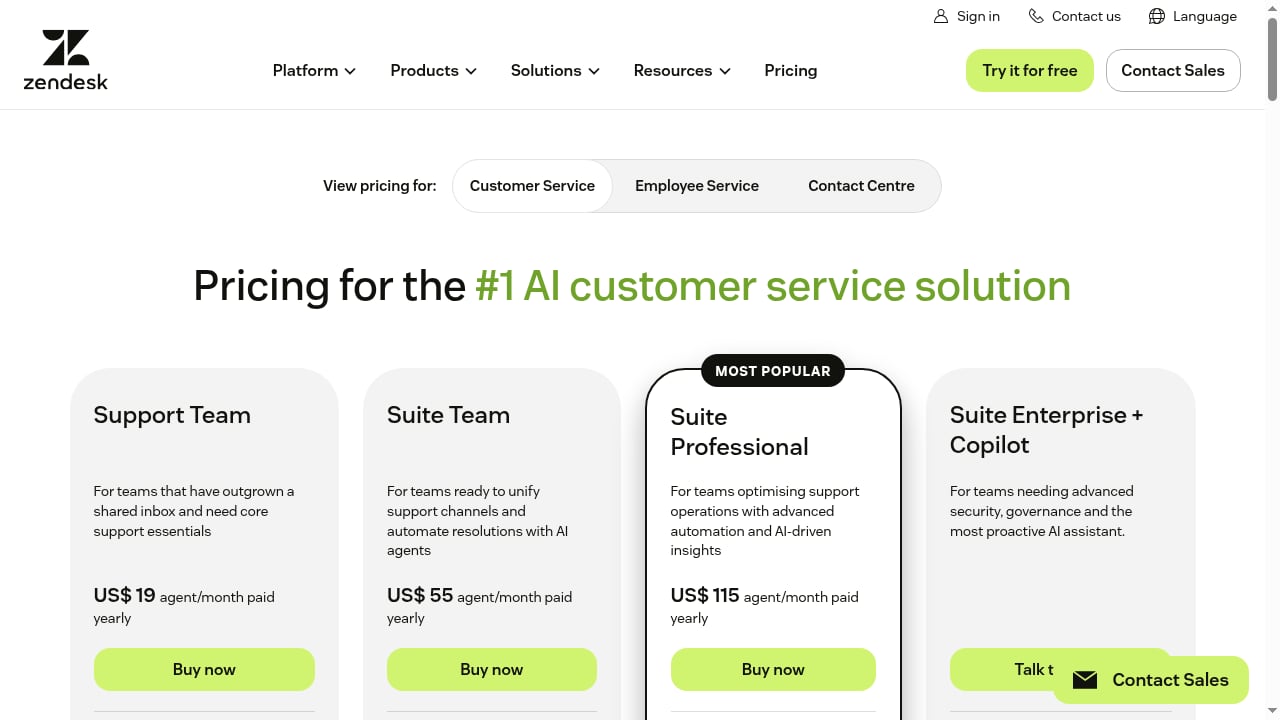
First viewport screenshot of Zendesk Pricing Plans | Starting from $19/month.
Omnichannel ticketing and agent workspace
Every interaction — email, live chat, social messaging, voice, web form, WhatsApp, Facebook Messenger — lands in the agent workspace as a ticket. Conversation history follows the customer across channels, and a single customer database backs the whole system. This matters because customers expect consistent, connected interactions across touchpoints, and stitching together separate inboxes becomes unmanageable past three or four channels.
The agent workspace is dense. Macros, business rules, skills-based routing, and conditional ticket fields cover almost any workflow, but the configuration surface is wide. New hires often need time to get comfortable.
AI agents and Copilot
Zendesk splits its AI into three products, and this is where pricing gets confusing:
- Basic AI agents — included in every Suite plan. Handles generative replies, simple intent detection, and basic automated resolutions. Good for FAQ-style queries.
- Advanced AI agents — autonomous agents that reason, run multi-step workflows, and take actions across systems. Built on the Zendesk + Forethought stack. No public price; talk to sales at every tier.
- Copilot — agent-assist AI that suggests replies, summarizes tickets, and pulls from your knowledge base. $50 per agent per month as a standalone add-on, or bundled into Suite + Copilot Professional ($155) and Suite + Copilot Enterprise ($209).
Zendesk's own 2025 CX Trends Report found that 75% of CX leaders expect AI to handle most customer interactions soon. The pitch is that Zendesk's AI gets you there. The reality is that you need the Advanced AI add-on to deliver autonomous resolution at scale, and the cost adds up quickly for teams of any meaningful size.
Help center and knowledge base
Every Suite plan includes a hosted knowledge base. You can publish branded articles, organize them into sections, embed search inside your product, and serve self-service answers before customers open a ticket. AI-powered insights surface gaps in your help content based on actual ticket volume. Higher tiers unlock multi-brand support (up to 5 help centers on Professional), AI-powered article search, and community forums.
The help center is one of the parts of Zendesk that works without much fuss. A well-maintained one drives real ticket deflection — Impossible Foods deflected 50% of tickets using a help center, ticket forms, and a Zendesk bot.
Reporting and analytics
Zendesk Explore is the built-in reporting tool. Prebuilt dashboards cover agent performance, ticket volume, CSAT, response times, and channel mix. Visual data alerts flag anomalies like sudden ticket spikes or low CSAT trends. Customizable reporting and custom dashboards open up on Suite Professional. Until then, you work with the prebuilt set, which covers basics but doesn't allow ad-hoc slicing. Most ops teams eventually export data to a BI tool, which Zendesk supports cleanly via API.
Workflows and automations
Zendesk's automation stack is one of its strongest features. Macros let agents send one-click standard responses. Triggers fire on ticket events and can apply tags, route conversations, send notifications, or call webhooks. Business rules handle SLAs, priority escalation, and time-based actions. Skills-based routing assigns tickets based on language, channel, product area, and 20+ other attributes. The Zendesk Marketplace has 1,800+ pre-built integrations, with first-class support for Salesforce, HubSpot, Slack, Jira, and Shopify.
Pricing signals
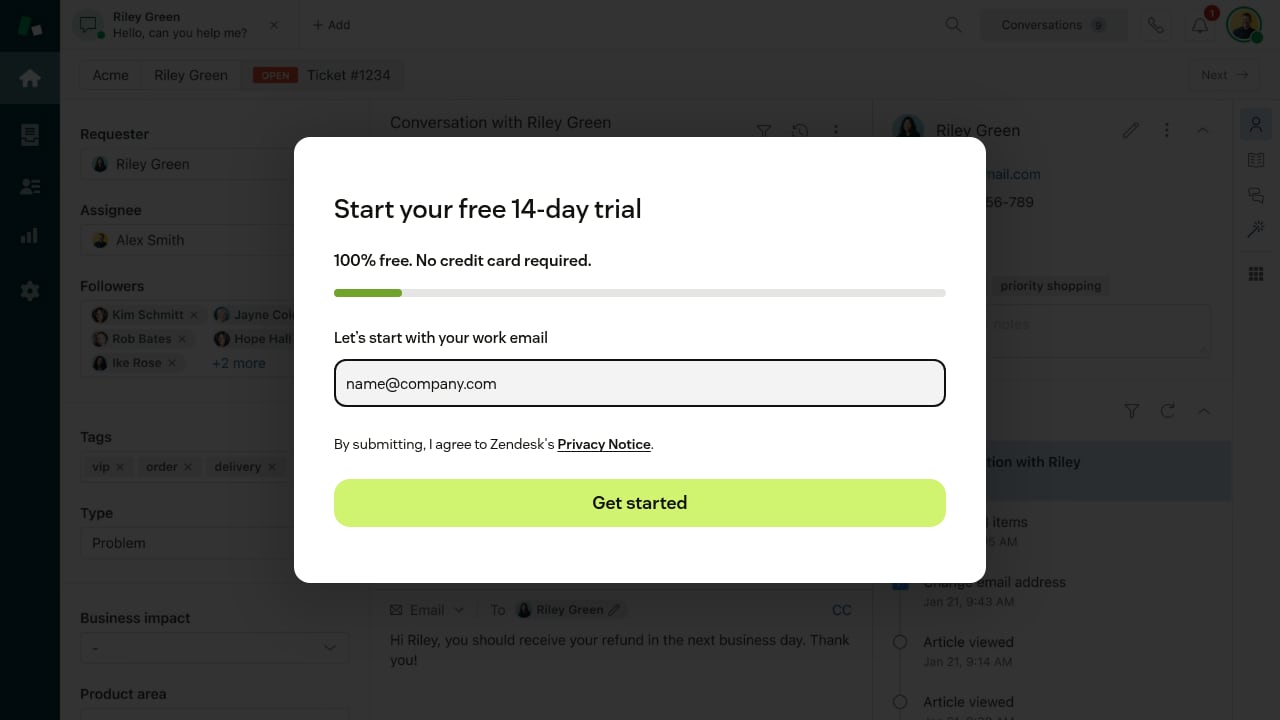
First viewport screenshot of Register.
Zendesk pricing spans multiple plan rows and add-ons. Annual billing is about 20–25% cheaper than monthly. The key signals:
- Support Team — $19 per agent per month (annual). Email and basic web-form ticketing only.
- Support Professional — $49. Adds business rules, CSAT surveys, multilingual content.
- Support Enterprise — $99. Adds custom roles, sandbox, light advanced AI agents.
- Suite Team — $55. Full omnichannel, basic AI agents, knowledge base, 50+ AI automated resolutions.
- Suite Growth — $89. Adds self-service portal, multilingual help center, SLA management.
- Suite Professional — $115. Adds custom dashboards, skills-based routing, HIPAA, side conversations.
- Suite Enterprise — Custom pricing. Advanced security, custom roles, multiple sandboxes.
- Suite + Copilot Professional — $155. Suite Pro plus unlimited Copilot for every agent.
- Suite + Copilot Enterprise — $209. Suite Enterprise plus unlimited Copilot.
Most teams need the Suite line, not the cheaper Support plans, because omnichannel and AI agents are Suite features. There is no free plan, only a 14-day free trial of Suite Professional. Zendesk also offers 6 months free for qualified startups.
For a deeper look at how Zendesk's pricing and positioning compare with other AI-first platforms, see our Sierra review and Gladly review.
Setup and onboarding
Setup effort depends heavily on how many channels and workflows you configure. A basic email ticketing setup can be live in a day. A full omnichannel deployment with routing rules, SLAs, macros, and AI agents typically takes weeks to months, especially for mid-market and enterprise teams.
Zendesk's own customer stories show the range. Impossible Foods launched during a viral traffic spike and saw a 4-hour median first reply time. Khan Academy scaled to a 38:1 ratio of community forum views to support tickets. Tesco handles 40,000 IT tickets per week and resolves 79% in one touch. These outcomes reflect mature configurations, not out-of-the-box defaults.
A Forrester Consulting Total Economic Impact study commissioned by Zendesk found a 286% ROI over three years for a composite organization, with a 40% cost reduction per ticket and 15% ticket deflection. Those numbers are vendor-commissioned, so treat them as directional rather than guaranteed.
Strengths and limitations
Strengths:
- Mature ticketing and omnichannel routing that scales to enterprise
- Deep automation stack (macros, triggers, business rules, skills-based routing)
- 1,800+ integrations and extensive API/SDK
- Help center that drives real ticket deflection
- AI features that are improving quickly, especially with Copilot and advanced AI agents
Limitations:
- No free plan; only a 14-day trial
- AI features split across base plans and add-ons, making true cost hard to predict
- Advanced AI agents have no public price and require sales contact
- Overkill and expensive for small teams under 10 agents
- Agent workspace is dense; new hires need training
- Custom reporting requires Suite Professional or higher
Decision criteria: is Zendesk right for you?
First viewport screenshot of Register.
Choose Zendesk if:
- You handle support across multiple channels and need one system of record
- You have 10+ agents and expect to scale
- You want a mature automation and integration ecosystem
- You can budget for Suite plans plus AI add-ons
Consider alternatives if:
- You are a small team wanting a simple, affordable shared inbox
- You need AI resolution included in the base price without add-on stacking
- You prioritize a free tier or low entry cost
- You want a lighter, faster-to-configure platform
For teams evaluating AI-native alternatives, our Udesk review and Respond.io review cover platforms that bundle AI more aggressively.
Related reading
- DelightChat Review 2026: Omnichannel Support + WhatsApp - Evidence-based DelightChat review for 2026: omnichannel inbox, WhatsApp marketing, Shopify fit, pricing signals, setup, limits, and decision criteria.
Sources and further reading
- Zendesk reviews: What customers say about us - Discover how customers review Zendesk products, so you can confidently make the right choice for your business.
- Zendesk for Customer Service Reviews & Product Details - G2 - "Zendesk for Customer Service is an AI-powered service solution that's easy to set up, use, and scale. It offers out-of-the-box functionality that's simple ...
- Zendesk Review 2026: An Honest Look at Features and Cost - 75% of CX leaders expect AI to handle most customer interactions soon. But does Zendesk’s AI actually live up to the hype?
FAQ
Does Zendesk offer a free plan?
No. Zendesk offers a 14-day free trial of Suite Professional. Qualified startups may receive 6 months free.
How much does Zendesk cost in 2026?
Support plans start at $19 per agent per month (annual). Suite plans start at $55 and go up to $209 for Suite + Copilot Enterprise. Advanced AI agents are priced separately and require sales contact.
What is the difference between Zendesk Support and Zendesk Suite?
Support is the original email and web-form ticketing tool. Suite is the all-in-one omnichannel package that includes messaging, voice, help center, and basic AI agents. Most teams buy Suite.
Does Zendesk's AI actually resolve issues end-to-end?
Basic AI agents included in Suite plans handle FAQ-style queries and simple automated resolutions. Fully autonomous, multi-step resolution requires the Advanced AI agents add-on, which is built on the Zendesk + Forethought stack and priced via sales.
Is Zendesk good for small businesses?
Zendesk can work for small teams, but the seat economics, setup overhead, and add-on structure favor mid-market and enterprise. Teams under 10 agents often find better value in simpler or AI-native alternatives.
How long does Zendesk setup take?
Basic email ticketing can be live in a day. Full omnichannel deployments with routing, SLAs, and AI agents typically take weeks to months depending on complexity.
Conclusion
Zendesk remains the most complete customer service platform on the market in 2026. Its ticketing, omnichannel routing, automation, and integration ecosystem are mature and proven at enterprise scale. The AI story is real but layered: basic AI agents come with Suite plans, while autonomous resolution and Copilot cost extra. For mid-market and enterprise teams that can absorb the configuration effort and add-on pricing, Zendesk is a strong default. For small teams or those wanting AI resolution included at a lower base price, the alternatives are worth a serious look.
Start with a 14-day free trial of Suite Professional to test the AI agents and agent workspace against your actual ticket volume before committing to an annual plan.