
Front Review 2026: AI Customer Operations Platform Tested
Front is often described as a shared inbox with collaboration superpowers. That description undersells what it has become. In 2026, Front positions itself as an AI-powered customer operations platform for B2B teams that coordinate complex, multi-team customer conversations across email, chat, SMS, WhatsApp, and Slack. This review examines whether that positioning holds up in practice, where Front excels, where it falls short, and how to decide if it belongs in your stack.
We analyzed public customer feedback, Front's own product documentation, and independent reviews to give you a practical, evidence-based assessment. You will find strengths, limitations, pricing signals, setup considerations, and decision criteria—not marketing copy.
What Front actually is (and what it is not)
First viewport screenshot of What’s New | Front.
Front combines a collaborative shared inbox, omnichannel routing, ticketing, workflow automation, AI assistance, and reporting in one workspace. Unlike traditional help desks that treat every conversation as a ticket to be closed, Front is built around the idea that customer operations involve ongoing, cross-functional work. A support agent might loop in a billing specialist, an account manager, and a logistics coordinator on the same thread without losing context.
Front is not a remote desktop tool, a device management platform, or a full CRM. Teams looking for deep IT troubleshooting or field service capabilities will find it incomplete. It is also not the cheapest option for small teams that only need a basic shared inbox.
Key takeaway: Front is strongest when customer conversations require coordination across multiple teams and tools—not when a single agent can resolve a request alone.
Who should use Front?
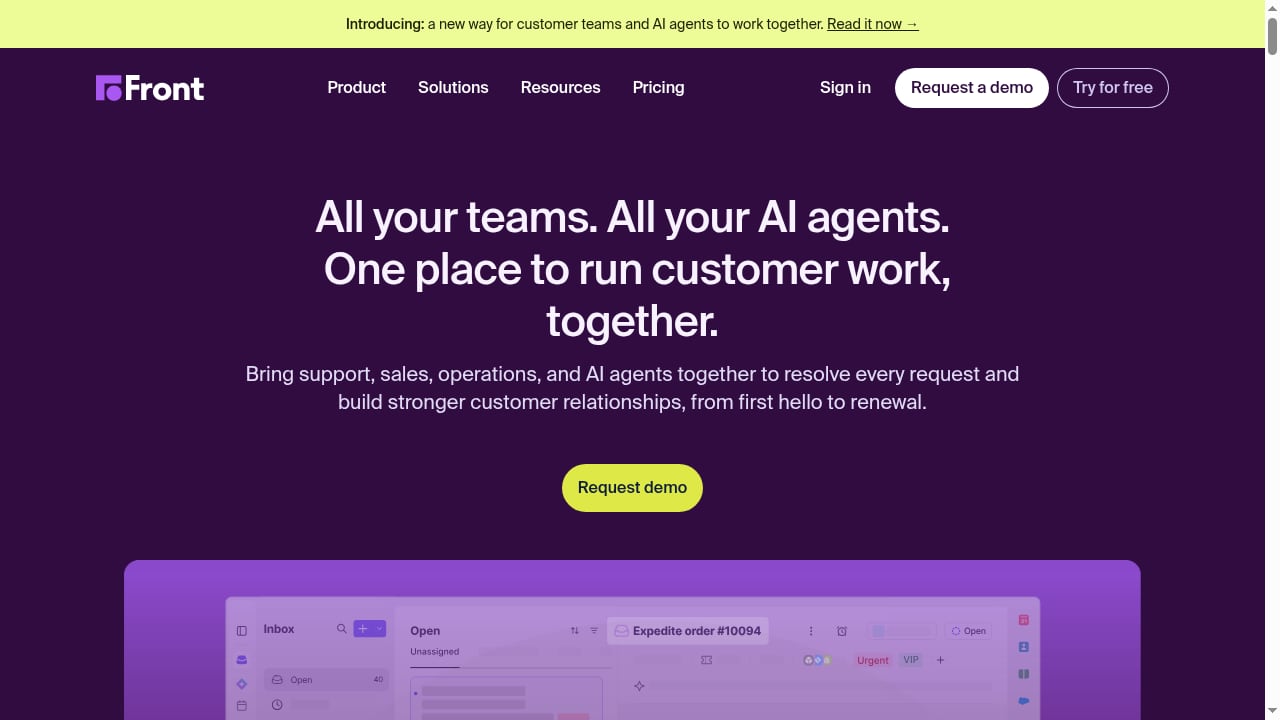
First viewport screenshot of Front | Customer service platform, powered by AI.
Front fits organizations where customer communication is high-volume, high-stakes, and spread across departments. Based on independent reviews and Front's own customer stories, the ideal user profiles include:
- B2B SaaS support and success teams managing onboarding, technical questions, and renewals across email and chat.
- Customer operations teams that need to route conversations between support, sales, finance, and logistics.
- Inbound sales teams handling pre-sales questions that require input from product or engineering.
- Professional services and agencies coordinating client communication with internal deliverables.
- E-commerce operations juggling order inquiries, returns, and supplier communication across channels.
Front is less suitable for solo agents, teams that only need a simple shared inbox, or organizations requiring HIPAA-specific compliance workflows and device-level IT support. The CTO Club review notes that Front lacks remote desktop control and advanced device management, making it a weak fit for IT-heavy environments.
Core strengths
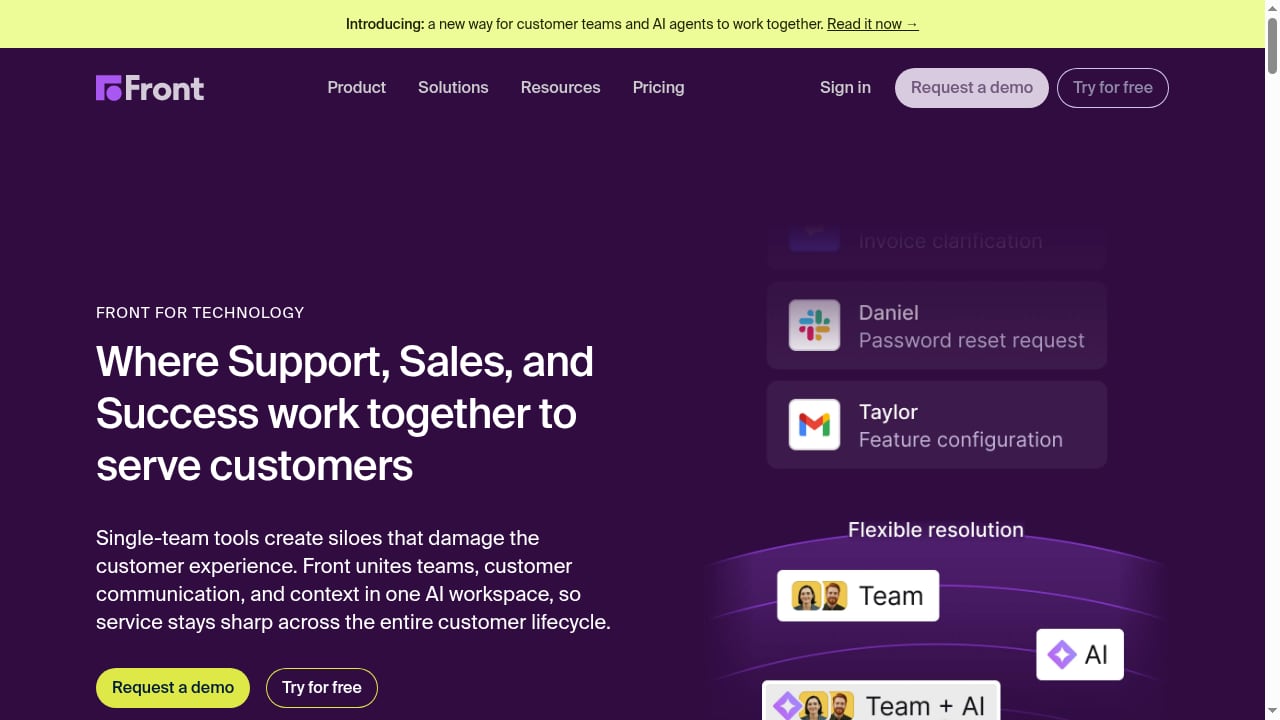
First viewport screenshot of B2B Tech Customer Operations Platform | Front.
1. Shared inbox with real collaboration
Front's shared inbox is not just a folder multiple people can see. Every conversation carries internal comments, @mentions, and assignment history. When a conversation is handed off, the full thread travels with it. This reduces the "who talked to this customer last?" problem that plagues email-based teams.
2. Omnichannel without channel silos
Email, chat, SMS, WhatsApp, and Slack all feed into one workspace. Quality does not depend on which channel the customer chose. For teams managing B2B relationships, this consistency matters—a customer might start on chat, follow up by email, and escalate via WhatsApp.
3. AI that supports both automation and judgment
Front's AI layer includes Autopilot for routine end-to-end handling, Copilot for giving human agents full context, Compass for scoring AI agent interactions, and External Agents for extending AI beyond the platform. The distinction matters: Autopilot reduces volume, while Copilot improves the quality of human decisions. Teams that need both automation and human judgment find this combination useful.
4. Workflow automation and routing
Rules can route, tag, and escalate conversations based on custom conditions. Independent reviewers highlight the drag-and-drop workflow builder as intuitive. This is especially valuable for teams that receive a high volume of similar requests but need different teams to handle different segments.
5. Integrations and API
Front supports 130+ integrations, including Salesforce, HubSpot, Slack, Shopify, and Twilio. The API allows custom connections for teams with unique systems. For B2B operations, the ability to pull customer context from a CRM or order management system into the conversation view is a significant time saver.
Limitations and trade-offs
No platform is perfect. Front's weaknesses are well-documented in public reviews and independent testing.
Pricing escalates quickly
Front's entry-level plan starts around $25 per user per month when billed annually, according to The CTO Club. Advanced reporting and some automation features require higher tiers. A Trustpilot reviewer noted their company spends $40,000 per year and still lacks phone support. This does not mean Front is overpriced for every team—but it does mean you should model costs at your expected seat count and feature requirements before committing.
Customer support response times
Some users report delays in Front's own customer support. For a platform that sells customer operations software, this is an irony worth noting. Teams that require real-time phone support may need to negotiate SLAs or consider alternatives.
Advanced reporting locked behind higher plans
If analytics and reporting are central to your decision, verify which tier includes the reporting depth you need. Several independent reviews mention that advanced reporting requires higher-tier plans.
Not a fit for technical device support
Front lacks remote desktop, device control, and mobile device management. IT service desks and field service teams should look elsewhere.
Limited compliance features for regulated industries
Some reviewers note limited audit trails and compliance features for financial institutions and healthcare providers. If you operate in a heavily regulated space, conduct a thorough compliance review before adopting Front.
Pricing signals
Front does not publish a single flat price. Based on independent reviews and public information, expect the following signals:
- Entry-level pricing: Around $25 per user per month, billed annually, for core shared inbox and collaboration features.
- Higher tiers: Advanced automation, AI features, and reporting typically require upgraded plans. Pricing scales with seats and feature access.
- Free trial: A 14-day free trial is commonly available, according to The CTO Club.
- Enterprise pricing: Custom quotes for large organizations with complex integration and compliance needs.
For a more detailed comparison of pricing across AI customer service platforms, see our Top 10 AI Customer Service & Helpdesk Software for 2026.
Decision tip: Calculate total cost at your full seat count, not just the entry price. Include the cost of higher tiers if you need advanced reporting or AI features.
Setup and onboarding
Front is generally considered easy to set up for teams already familiar with shared inboxes. The interface is clean, and the workflow builder is drag-and-drop. However, advanced features—such as AI Autopilot configuration, complex routing rules, and deep CRM integrations—require more planning.
A practical setup sequence:
- Connect channels: Link email, chat, SMS, WhatsApp, and Slack. Start with the channels your customers use most.
- Define teams and inboxes: Map your organizational structure to Front's team and inbox model. Avoid creating too many inboxes early on.
- Set up routing rules: Start with simple rules for common request types. Expand as you learn.
- Configure AI features: Decide where Autopilot should handle routine requests and where Copilot should assist human agents. Do not automate high-stakes conversations without a review loop.
- Integrate business systems: Connect your CRM, order management, and billing tools so agents see customer context without switching tabs.
- Train your team: Even intuitive tools require training on internal comments, handoff etiquette, and AI usage guidelines.
For teams comparing Front to other AI-powered support platforms, our Zendesk review for 2026 provides a useful contrast in setup complexity and feature depth.
Front vs alternatives: decision criteria
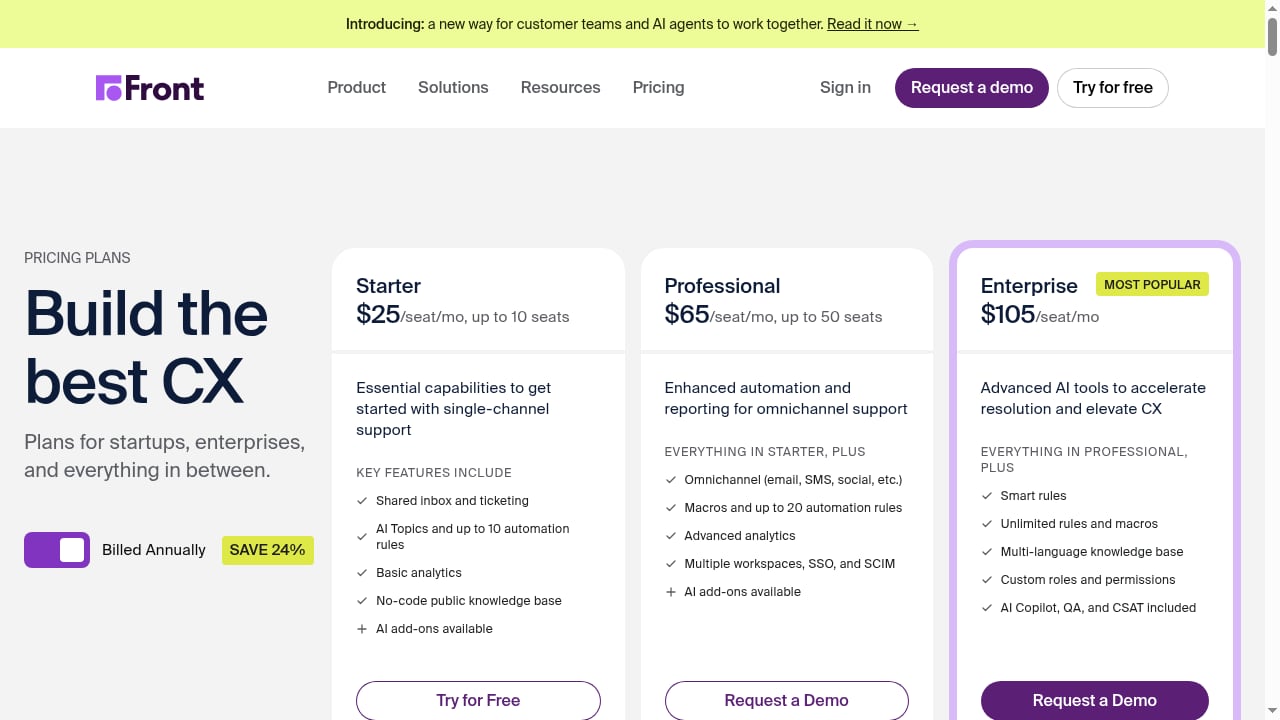
First viewport screenshot of Front Pricing and Plans | Front.
Front is often compared to Zendesk, Kustomer, and other help desk platforms. Here is how to think about the choice:
| Criterion | Front is a strong fit when… | Consider alternatives when… |
|---|---|---|
| Team structure | Multiple teams coordinate on customer conversations | A single support team handles all requests |
| Channel mix | Email, chat, SMS, WhatsApp, and Slack are all used | You only need email or only need chat |
| Workflow complexity | Routing and handoffs are central to operations | Simple ticket assignment is sufficient |
| AI needs | You want both automation (Autopilot) and human assistance (Copilot) | You only need basic canned responses |
| Budget | You can justify per-seat pricing for collaboration value | You need a low-cost shared inbox for a small team |
| Technical support | You need customer communication coordination | You need device control or remote desktop |
For a broader comparison of AI customer service platforms, including Kustomer, see our SaleSmartly vs Kustomer comparison.
What real users say
Public reviews reveal a consistent pattern. Users praise Front's intuitive interface, collaboration features, and workflow automation. They criticize pricing at scale, customer support response times, and the lack of phone support. The Trustpilot review quoted earlier is a useful reminder: even satisfied customers can be frustrated by support gaps.
Front's own reviews page highlights multi-team coordination and AI that learns nuanced interactions. Independent reviews from The CTO Club emphasize ease of use and integration depth. The consensus: Front is a strong product for the right team, but not a universal fit.
Related reading
- How to Use SaleSmartly with IBM: Setup, Workflow & Examples - Learn how to connect SaleSmartly with IBM AI and automation, step by step. Architecture, workflow, practical examples, and the problems the combo solves.
- SaleSmartly vs Olark vs Desku: Best AI Customer Service? - SaleSmartly vs Olark vs Desku compared: channels, AI agents, CRM, helpdesk, pricing signals, and which platform fits your support and marketing team.
Sources and further reading
- Read Customer Service Reviews of front.com - Trustpilot - Write a review. We use technology to protect platform ... Our company spends $40,000 per year for front - and front does NOT offer ANY phone support.
- Front Reviews & Customer Ratings - See what real customers say about Front. Discover insights, ratings, and success stories from teams using Front to deliver exceptional customer service.
- Front Review 2026: Pros, Cons, Features, and Pricing - Discover the pros, cons, features, and pricing of Front in this review. See how Front compares to other remote support software to find your best fit.
FAQ
Is Front a help desk or a shared inbox?
Front is both, and more. It combines shared inbox collaboration with ticketing, automation, AI, and reporting. It is best understood as a customer operations platform rather than a single-purpose help desk.
How much does Front cost?
Entry-level pricing starts around $25 per user per month billed annually. Advanced features and reporting require higher tiers. Enterprise pricing is custom. Always model costs at your full seat count.
Does Front offer phone support?
Some users report that Front does not offer phone support for its own customers. If real-time phone support is a requirement, verify current support options before purchasing.
Is Front good for small teams?
Front can work for small teams, but the value proposition is strongest for organizations with multi-team coordination needs. Small teams with simple shared inbox requirements may find it expensive relative to alternatives.
Can Front replace Zendesk?
For teams that want email-native collaboration with help desk features, Front can be a Zendesk alternative. For teams needing deep IT support or device management, Zendesk or specialized tools may be a better fit. See our Zendesk review for details.
What integrations does Front support?
Front supports 130+ integrations, including Salesforce, HubSpot, Slack, Shopify, Twilio, and others. It also offers an API for custom connections.
Conclusion
Front is a mature, capable customer operations platform that earns its place in B2B environments where customer conversations require coordination across teams, channels, and systems. Its shared inbox, omnichannel support, AI assistance, and workflow automation are genuine strengths. Its limitations—pricing at scale, support response times, and lack of device-level IT features—are equally real.
The decision comes down to fit. If your customer operations involve multiple teams handing off complex conversations, Front is worth a serious evaluation. If you need a simple shared inbox or deep technical support capabilities, look elsewhere. Use the decision criteria above, model your costs carefully, and take advantage of the free trial to test the workflows that matter most to your team.
For a wider view of the market, explore our Top 10 AI Customer Support Automation Platforms 2026.