
SaleSmartly vs LiveChat vs Zendesk: Which Chat Platform Wins?
Choosing between SaleSmartly, LiveChat, and Zendesk is not just a software decision. It shapes how your team talks to customers, how fast you respond, and which channels you can actually support. Each platform starts from a different philosophy: Zendesk builds a full customer service operating system, LiveChat focuses on converting website visitors in real time, and SaleSmartly is built for cross-border businesses that need many messaging channels, multilingual support, and AI-assisted conversations in one place.
This comparison breaks down the strengths, trade-offs, and best-fit scenarios for each tool so you can choose based on your actual support model, not a feature checklist.
Quick Comparison at a Glance
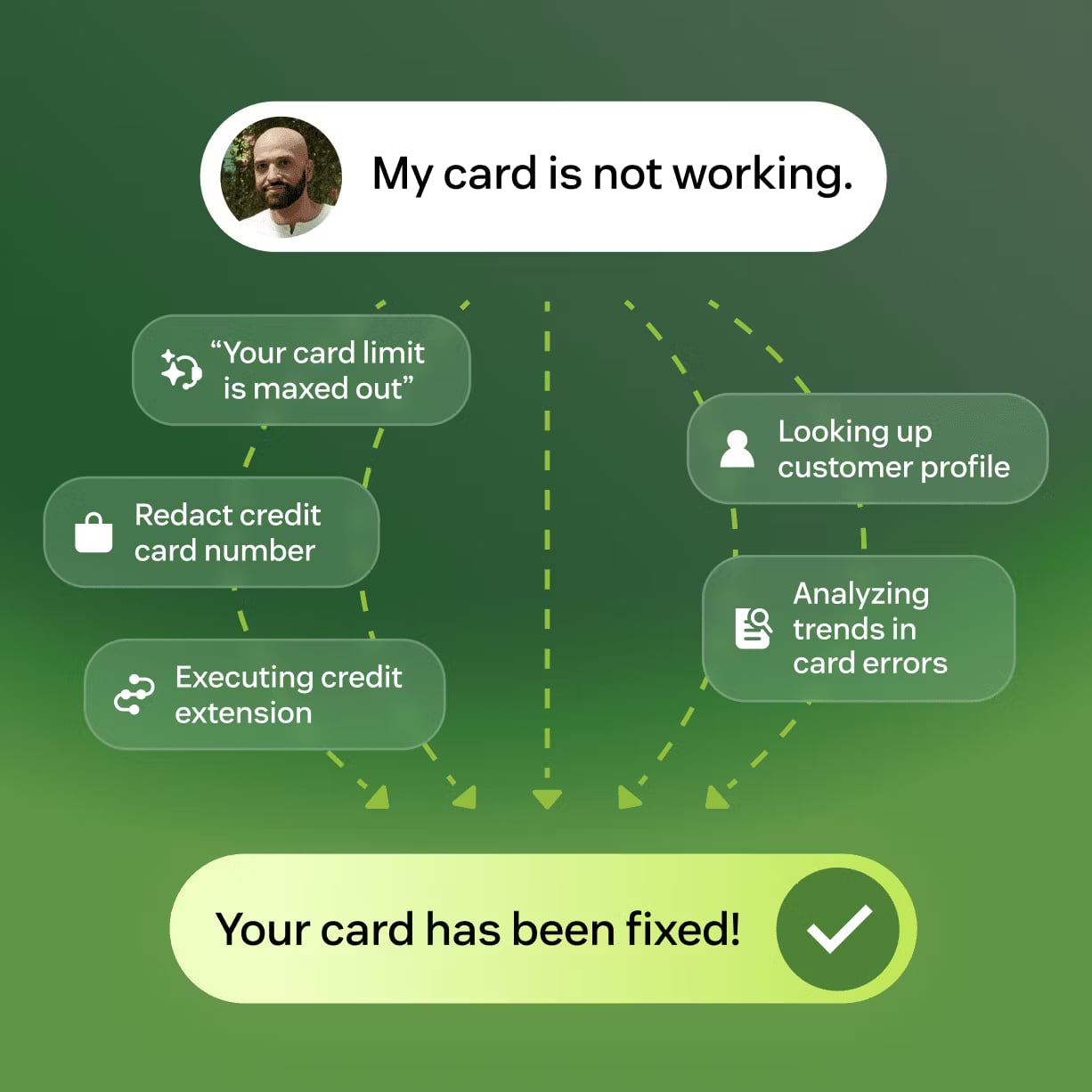
Zendesk product interface.
| Criteria | SaleSmartly | LiveChat | Zendesk |
|---|---|---|---|
| Core focus | Cross-border omnichannel messaging | Website live chat and sales conversion | Enterprise customer service platform |
| AI capability | AI agents, automation rules, chatbot builder | Copilot, AI agents, canned responses | Self-improving AI agents, Resolution Learning Loop |
| Channel coverage | 10+ social and messaging channels | Website, Messenger, WhatsApp, SMS, email, Apple Messages | Email, voice, chat, social messaging |
| Multilingual translation | 134 languages built in | Limited; relies on integrations | Limited; add-ons or integrations |
| Built-in CRM | Yes | Basic visitor tracking | Yes, deeper ticketing and CRM |
| Pricing model | Freemium; plans from $12.72/month | Per-seat subscription | Per-seat subscription, higher entry cost |
| Best for | Cross-border ecommerce, B2B inquiry, social selling | Website-first sales and support teams | Large support organizations needing ticketing and workflows |
Core Strengths of Each Platform
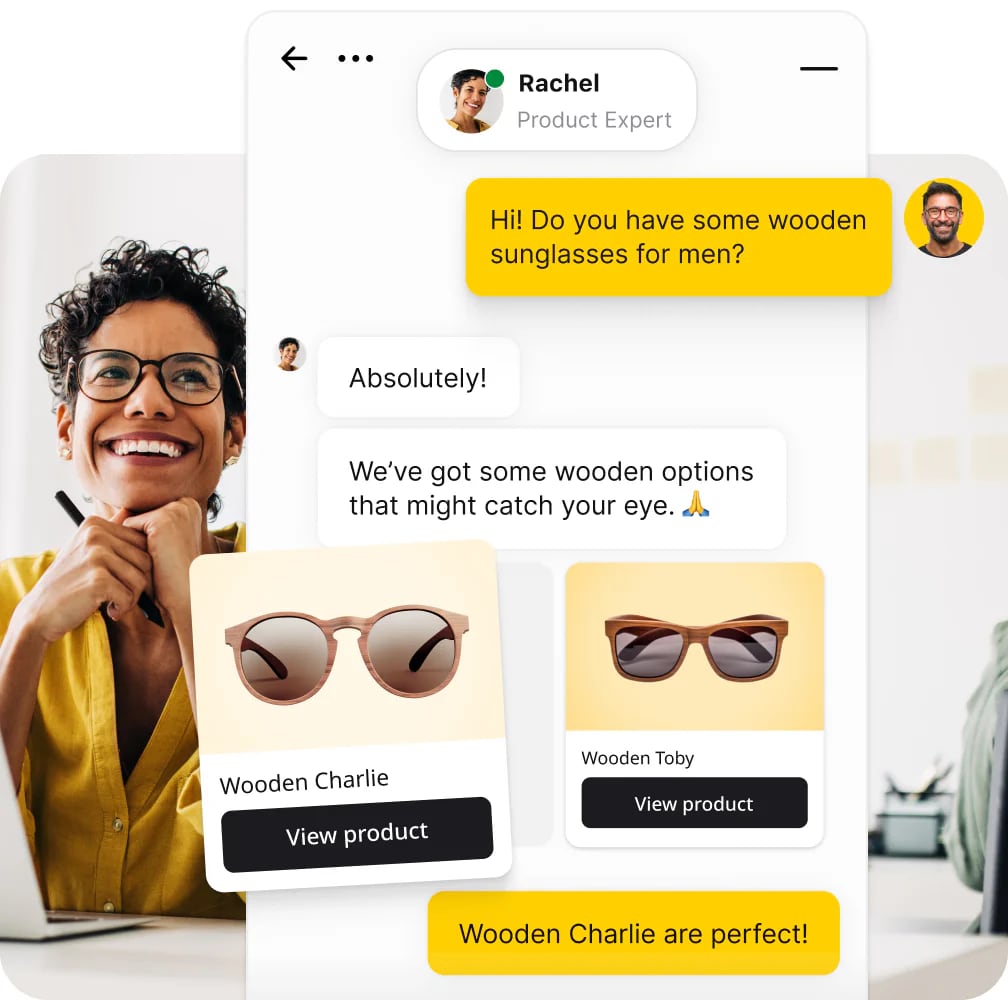
LiveChat product interface.
Zendesk: The Enterprise Customer Service Operating System
Zendesk is the most mature platform in this comparison. It is not just a chat tool; it is a full customer service ecosystem with ticketing, voice, email, workforce management, quality assurance, and analytics. For organizations that need to coordinate large support teams across departments, Zendesk provides the structure that smaller tools do not.
Its standout feature is the Resolution Learning Loop. Zendesk AI agents learn from every interaction and improve over time, which means automation quality can increase as your knowledge base grows. The platform reports up to 80% automation and has been named a Leader in the 2025 Gartner Magic Quadrant for CRM Customer Engagement Center. Zendesk also carries SOC 2 and ISO 27001 certifications, making it a credible option for regulated industries.
Zendesk is strongest when:
- You need a unified ticketing system across email, voice, chat, and social channels.
- Your support operation involves complex workflows, SLAs, and escalation paths.
- You have a dedicated operations team that can configure and maintain the platform.
- Compliance and enterprise-grade security are non-negotiable.
The trade-off is cost and complexity. Zendesk pricing starts at $69 per agent per month for the Team plan, with Growth at $115 and Professional at $149 per agent per month. For a team of ten agents, that quickly becomes a significant budget line. The platform also requires meaningful setup time before it delivers its full value.
LiveChat: Website-First Conversion and Real-Time Engagement
LiveChat is built around a simple idea: when a visitor is on your website, you should be able to talk to them immediately. Its chat widget is highly customizable, and the platform includes visitor tracking that shows browsing behavior and geographic location. This makes LiveChat especially useful for sales teams that want to qualify leads and close deals during a website session.
LiveChat's AI tools include Copilot, which assists agents with suggested replies and summaries, and AI agents that can handle common inquiries automatically. The platform also offers a revenue counter in its unified inbox, which helps sales teams track the value of conversations. LiveChat reports 35,000+ customers and claims a 25% average increase in sales or support efficiency.
LiveChat is strongest when:
- Your primary customer touchpoint is your website.
- Your team wants to proactively engage visitors and reduce cart abandonment.
- You need deep integrations with tools like Shopify, Salesforce, and HubSpot.
- You value a simple, fast setup over a complex configuration.
The limitation is channel depth. LiveChat supports website chat, Facebook Messenger, WhatsApp, SMS, email, and Apple Messages for Business, but its core experience is optimized for website conversations. For businesses that primarily serve customers through social messaging apps like Telegram, LINE, Instagram, or WeChat, LiveChat's coverage is thinner.
SaleSmartly: Cross-Border Omnichannel Messaging with Built-In AI
SaleSmartly addresses a specific problem that general chat tools often overlook: cross-border businesses need to manage conversations across many different messaging channels, often in many different languages, without hiring a large multilingual support team.
The platform integrates WhatsApp, Facebook Messenger, Instagram, Telegram, LINE, Email, VKontakte, WeChat, Zalo, and YouTube into a single interface. This is a broader social and messaging channel set than either LiveChat or Zendesk offers out of the box. For a cross-border ecommerce brand or B2B exporter, that means one dashboard instead of five separate apps.
SaleSmartly's built-in real-time translation across 134 languages is a differentiator. An agent can reply in their native language while the customer receives the message in theirs. This removes a major operational bottleneck for global support teams and reduces the need for native-speaking agents in every market.
SaleSmartly is strongest when:
- Your customers reach you through multiple social and messaging apps.
- You sell across borders and need multilingual support without a large multilingual team.
- You want AI agents and automation rules to handle repetitive inquiries around the clock.
- You need a built-in CRM to track cross-channel conversation history.
- Budget matters: SaleSmartly offers a freemium model with paid plans starting at $12.72 per month.
Where SaleSmartly is not the obvious choice is deep enterprise ticketing. If your support operation requires advanced workforce management, complex SLA hierarchies, or voice call center integration, Zendesk is the stronger fit. SaleSmartly is a communication and engagement platform first, not a full contact center suite.
Head-to-Head Comparison
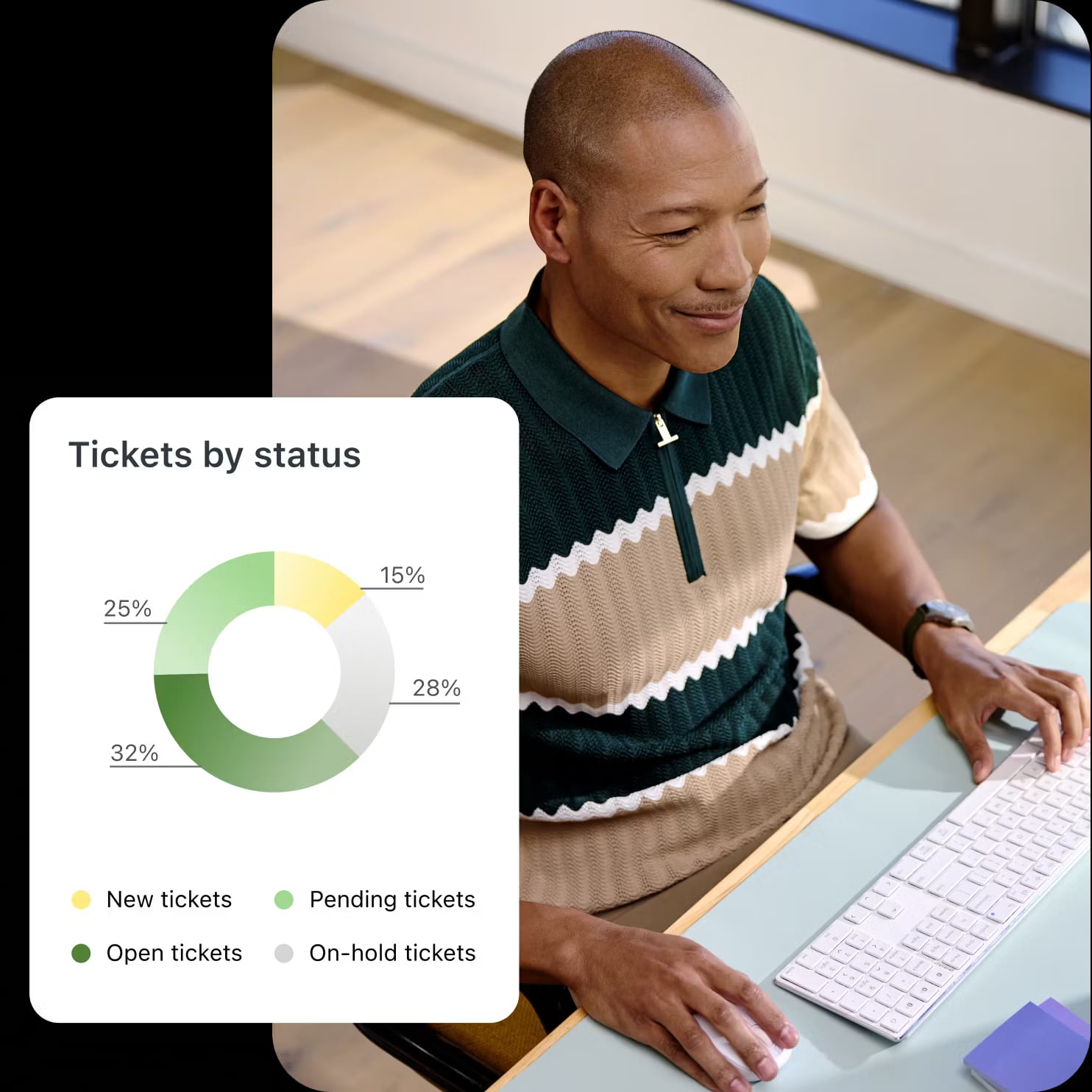
Zendesk product interface.
AI Agents and Automation
All three platforms now offer AI assistance, but the depth and purpose differ.
Zendesk has the most sophisticated AI learning loop. Its agents improve from every interaction, which is valuable for enterprise teams with large knowledge bases. The automation potential is high, but realizing it requires ongoing configuration and quality monitoring.
LiveChat offers practical AI tools for website support: Copilot suggests replies, AI agents handle common questions, and canned responses speed up repetitive work. The focus is on making human agents faster rather than replacing them entirely.
SaleSmartly combines AI agents with automation rules and a visual chatbot builder. The AI handles FAQs, order updates, and pre-sale inquiries, while automation rules trigger follow-ups and lifecycle messages. For cross-border teams, the combination of AI agents plus built-in translation is particularly useful because the AI can respond in the customer's language automatically.
Omnichannel Reach
This is where the platforms diverge most clearly.
SaleSmartly covers ten-plus channels natively, including several that are critical for cross-border commerce: WhatsApp, Telegram, LINE, WeChat, Zalo, VKontakte, and YouTube. If your customers are in Southeast Asia, Latin America, Eastern Europe, or the Middle East, these channels matter.
LiveChat covers the website first, plus Messenger, WhatsApp, SMS, email, and Apple Messages for Business. That is enough for many Western-market businesses, but it misses Telegram, LINE, WeChat, and other region-specific apps.
Zendesk supports omnichannel in the enterprise sense: email, voice, chat, and social messaging through a unified ticketing system. However, channel availability often depends on integrations and add-ons, and the setup is more complex than a native omnichannel inbox.
Multilingual Support
For global teams, language is a hidden cost. Hiring native-speaking agents for every market is expensive and slow.
SaleSmartly has a clear advantage here with real-time translation in 134 languages built directly into the chat workflow. This is not a bolt-on; it is part of the core messaging experience.
LiveChat does not position multilingual translation as a core feature. Teams typically rely on integrations or manual translation.
Zendesk supports multilingual content and routing, but real-time message translation generally requires add-ons or third-party integrations. The platform can handle multiple languages, but not as seamlessly out of the box.
Pricing and Value
Pricing is one of the most practical decision factors.
SaleSmartly uses a freemium model with paid plans starting at $12.72 per month. This makes it accessible for small teams and startups, with room to scale as conversation volume grows.
LiveChat uses per-seat pricing. The platform is not the cheapest option, but for website-focused teams, the conversion features can justify the cost. LiveChat's pricing is generally higher than SaleSmartly's entry point.
Zendesk is the most expensive of the three, starting at $69 per agent per month. For a small team, this is a significant investment. For a large enterprise, the cost may be justified by the depth of the platform.
Practical Scenarios: Which Tool Fits Your Team?
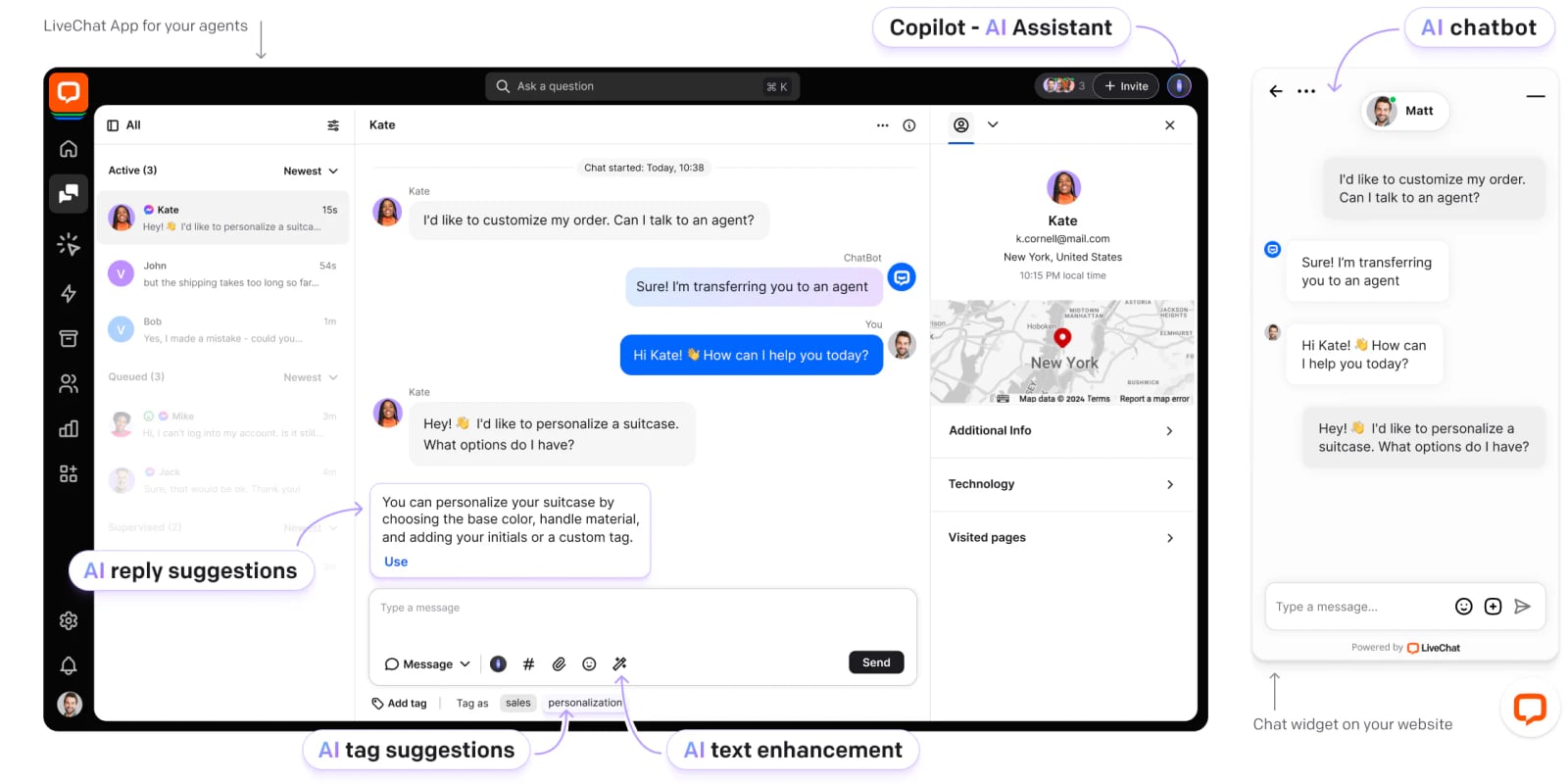
LiveChat product interface.
Scenario 1: Cross-border ecommerce brand selling on multiple channels
You sell through your website, WhatsApp, Instagram, and Facebook, with customers in Europe, Southeast Asia, and Latin America. Your support team is small and based in one country.
Best fit: SaleSmartly. The native omnichannel inbox plus 134-language translation means one small team can support many markets without hiring native speakers for each language. The AI agents handle order status and FAQ inquiries automatically, and the built-in CRM keeps conversation history across channels.
Scenario 2: Website-first SaaS company focused on lead conversion
Your product is a B2B SaaS tool. Most prospects arrive on your website, and your sales team wants to engage them during the trial period.
Best fit: LiveChat. The visitor tracking, proactive chat triggers, and revenue counter are built for this workflow. The integration with Salesforce and HubSpot keeps your sales pipeline connected to chat conversations.
Scenario 3: Large enterprise with complex support operations
You run a support organization with 50+ agents across email, phone, chat, and social. You need SLAs, escalation paths, workforce management, and compliance reporting.
Best fit: Zendesk. The ticketing system, workforce management, quality assurance, and analytics are designed for this scale. The AI Resolution Learning Loop can automate a meaningful share of volume over time, and the security certifications meet enterprise requirements.
Scenario 4: SMB that needs a simple, affordable starting point
You are a small business with a limited budget. You need live chat and basic automation, but you cannot justify a per-seat enterprise subscription.
Best fit: SaleSmartly. The freemium model lets you start without a large upfront commitment, and the paid plans remain affordable as you grow. If your needs later expand into enterprise ticketing, you can evaluate Zendesk at that point.
Making the Final Decision
Start with your primary channel. If your customers live on your website, LiveChat is a strong, focused choice. If your support operation is complex and enterprise-scale, Zendesk is the safe, powerful option. If your customers reach you through many social and messaging apps across multiple countries, SaleSmartly solves a problem the other two do not address as directly.
Also consider your team's operational reality. A platform with every feature is useless if your team cannot configure and maintain it. Zendesk rewards dedicated operations resources. LiveChat rewards sales-focused teams. SaleSmartly rewards lean, cross-border teams that need automation and translation to scale without scaling headcount proportionally.
For more comparisons of chat platforms, see our breakdowns of SaleSmartly vs Olark vs LiveChat and SaleSmartly vs Tidio vs Intercom.
Related reading
- SaleSmartly vs Olark vs tawk.to: Which Chat Platform Wins? - Compare SaleSmartly, Olark, and tawk.to on live chat, AI agents, omnichannel reach, multilingual support, CRM, pricing, and cross-border fit.
- SaleSmartly vs tawk.to vs Wati: Which AI Chat Platform Wins? - Compare SaleSmartly, tawk.to, and Wati on AI agents, omnichannel reach, WhatsApp depth, multilingual support, pricing, and cross-border fit.
- SaleSmartly vs HubSpot vs Olark: Which Chat Platform Wins? - Compare SaleSmartly, HubSpot Customer Platform, and Olark on omnichannel reach, AI agents, CRM depth, live chat, pricing, and cross-border fit.
Sources and further reading
- Top 10 Live Chat Ranking List | Instadesk - With the mature application of generative AI technology, the 2025 Live Chats market has evolved beyond basic Q&A tools into an era of deep business.
- The 12 Best Omnichannel Customer Service Platforms in 2025 - This article analyzes highly recognized chat aggregation software for businesses looking to expand internationally. These platforms integrate multi-channel information, saving time and effort while boosting sales rates and satisfaction.
- Best Tested Live Chat Tools for Ecommerce Stores in 2026 - Boost ecommerce sales and customer satisfaction with live chat software for ecommerce. Explore top tools, features, and trends to choose the best solution.
FAQ
Is SaleSmartly cheaper than LiveChat and Zendesk?
Yes. SaleSmartly offers a freemium plan and paid plans starting at $12.72 per month. LiveChat uses per-seat subscription pricing, and Zendesk starts at $69 per agent per month. For small teams or startups, SaleSmartly has the lowest entry cost.
Does Zendesk support WhatsApp and social messaging?
Yes, Zendesk supports WhatsApp and social messaging channels, but these often require integrations or add-ons. SaleSmartly includes WhatsApp, Facebook Messenger, Instagram, Telegram, LINE, and other channels natively in its unified inbox.
Can LiveChat handle multilingual customer conversations?
LiveChat does not offer built-in real-time translation as a core feature. Teams that need multilingual support typically use integrations or manual translation. SaleSmartly includes real-time translation across 134 languages as a native feature.
Which platform is best for a cross-border ecommerce store?
SaleSmartly is designed specifically for cross-border businesses. Its native omnichannel inbox, built-in CRM, AI agents, and 134-language translation address the core challenges of selling across markets. Zendesk can work for larger cross-border operations, but with more setup and cost. LiveChat is better suited to website-first businesses in a single primary market.
Is Zendesk worth the higher price?
For large support organizations that need ticketing, workforce management, SLAs, and compliance, Zendesk delivers value that justifies its cost. For smaller teams that primarily need chat and messaging, the price may be higher than necessary. Match the platform to your operational complexity, not just your budget.
Conclusion
SaleSmartly, LiveChat, and Zendesk are all capable platforms, but they serve different needs. LiveChat excels at website conversion and real-time sales engagement. Zendesk is the enterprise standard for complex customer service operations. SaleSmartly fills the gap between them: an affordable, AI-powered omnichannel platform built for cross-border businesses that need many channels, many languages, and lean team operations.
The right choice depends on where your customers are, how complex your support workflows are, and how much you are willing to spend. If you are still unsure, start with a free trial or freemium plan and test the platform against your real conversations. The best tool is the one your team will actually use every day.