
Yuma AI Review 2026: Ecommerce AI for Support, Sales, Social & Chat
Yuma AI is not a help desk. It is an AI agent layer that sits inside the help desk an ecommerce brand already runs and tries to close tickets end to end — refunds, address changes, return labels, subscription skips — without a human touching them. That distinction shapes almost every buying decision around it: what it costs, how fast it goes live, and whether it fits your stack at all.
This review pulls together what is publicly verifiable as of late 2026, flags where vendor claims and third-party estimates diverge, and gives you a decision framework rather than a feature list.
What Yuma AI actually does
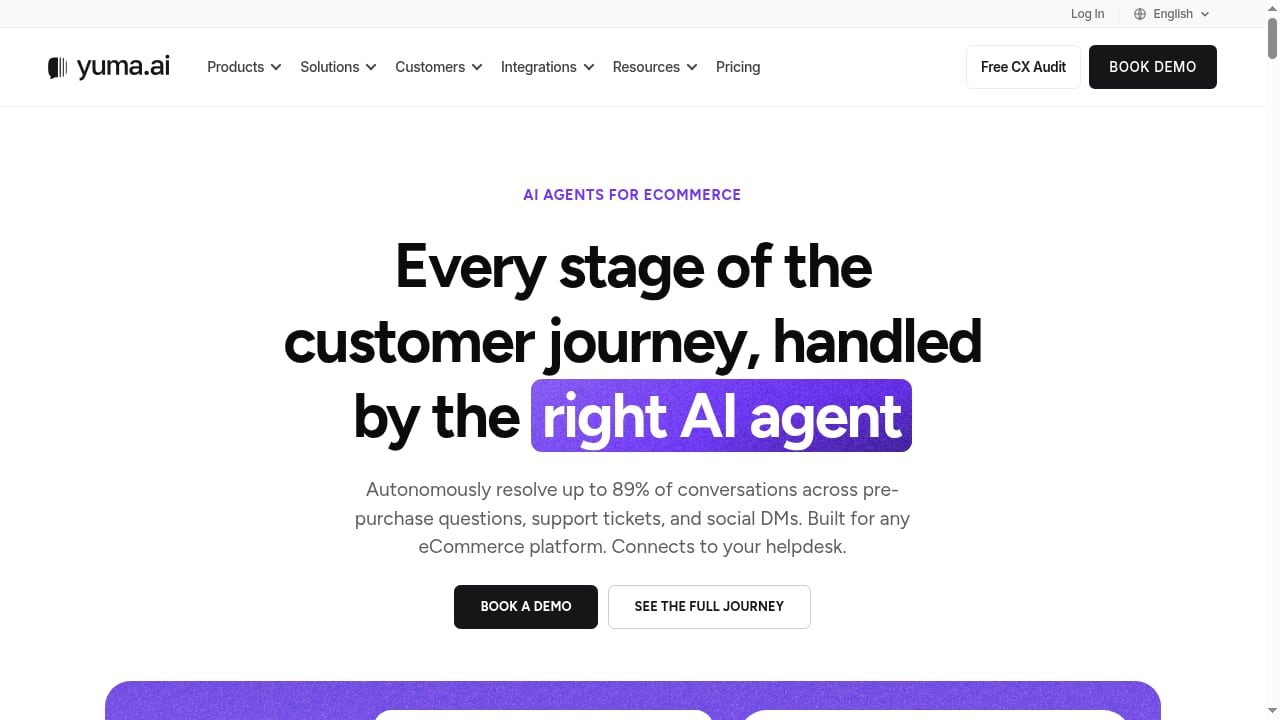
First viewport screenshot of yuma.ai.
Yuma AI builds AI agents for ecommerce and DTC brands. The core product, Support AI, reads an incoming ticket, identifies intent, pulls live order and customer data, checks your policies, drafts a reply in your brand voice, and then performs the action that closes the loop. Around that core sit Sales AI (pre-purchase questions), Social AI (Instagram and Facebook DMs, comments, ad comments, reviews), Chat AI (on-site live chat), and Voice AI for phone support.
The company was founded in 2022 by Guillaume Luccisano, is headquartered in Boston with a Barcelona office, and reports more than 140 ecommerce brands across North America and Europe as customers. Since the September 2026 release of Yuma 2.0, a single written "Handbook" governs how the agents behave across email, chat, SMS, WhatsApp, social DMs, outbound outreach, and calls.
Two operating modes matter more than any feature bullet:
- Draft (copilot) mode. The AI writes a suggested reply and a human reviews and sends it. Lower risk, useful during ramp-up.
- Autonomous mode. The agent replies and executes actions inside the ticket thread with no human in the loop. This is where the ROI lives — and where the risk lives.
Yuma's own onboarding guidance describes a gradual rollout, starting with a small share of tickets (roughly 5–10%) and expanding autonomy intent by intent as results prove out.
Who Yuma AI is built for
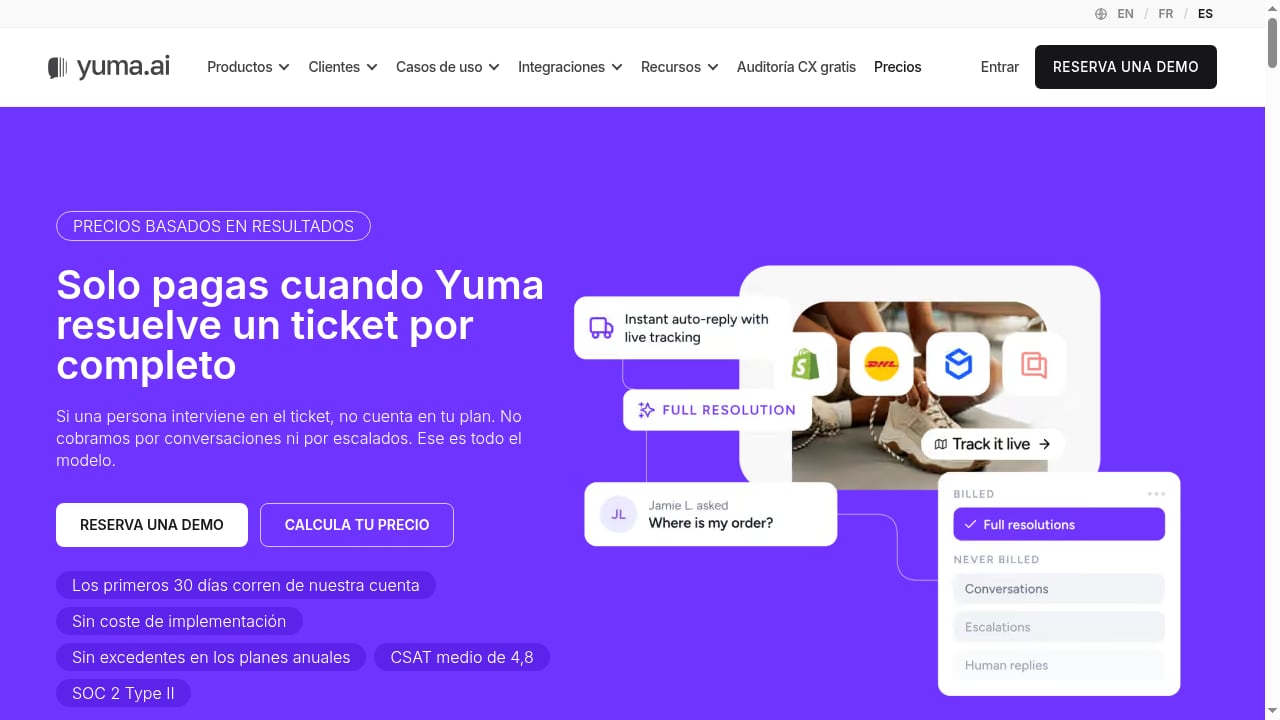
First viewport screenshot of Precios | Yuma AI.
The fit is narrower than the marketing suggests, and that is a feature, not a bug.
Strong fit:
- Shopify-first DTC brands whose ticket queue is dominated by "where is my order," returns, refunds, exchanges, address changes, cancellations, and subscription tweaks.
- Teams already running Gorgias, Zendesk, Kustomer, Salesforce Service Cloud, Gladly, Front, Re:amaze, Sprinklr, Zoho Desk, or HubSpot Help Desk — Yuma plugs in rather than replacing them.
- Lean support teams that want managed onboarding and a dedicated account team rather than a self-serve config project.
- Brands willing to commit annually in exchange for outcome-based billing.
Weak fit:
- Support organizations outside ecommerce. Yuma is a vertical agent, not a horizontal one.
- Teams on Freshdesk or Intercom — neither appears in Yuma's supported help desk list.
- Buyers who need a monthly, self-serve, cancel-anytime plan.
- Merchants whose ticket mix is mostly complex, policy-exception, or B2B account work that resists automation.
Strengths, with the evidence behind them
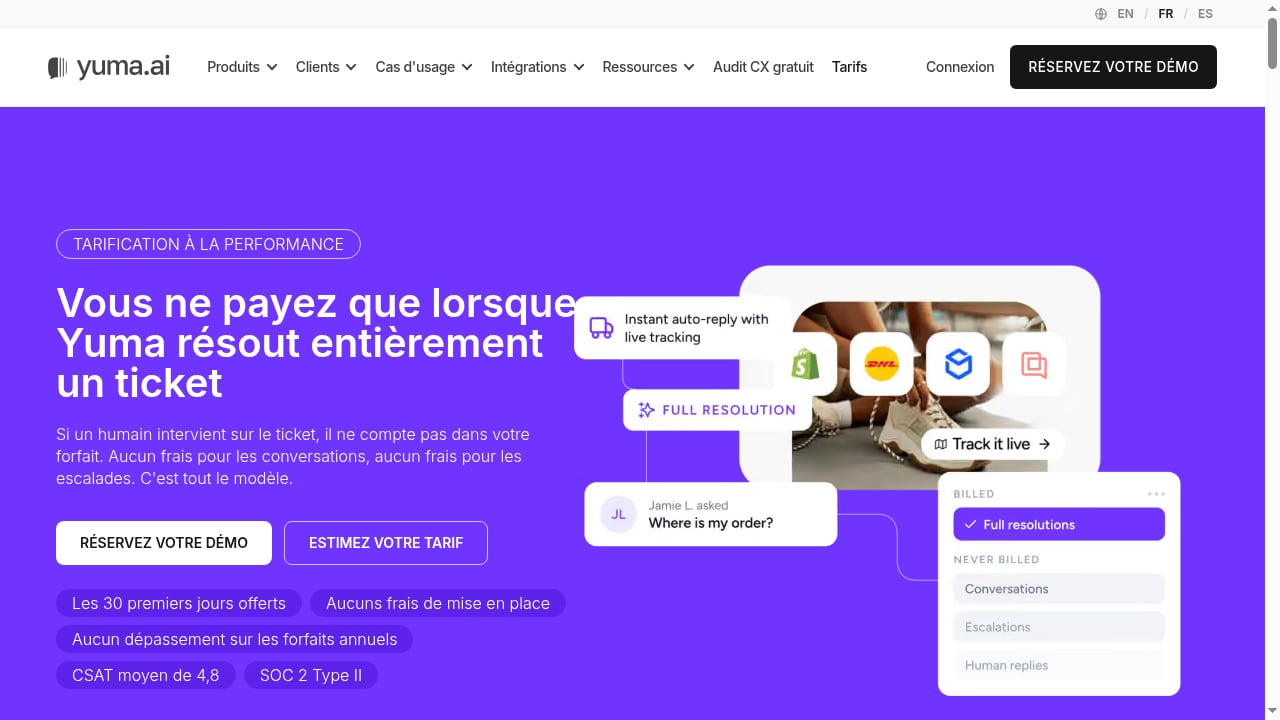
First viewport screenshot of Tarifs | Yuma AI.
Resolution, not deflection
The differentiator is action-taking. Yuma's pre-built Shopify actions cover order status lookups, order edits and cancellations, refunds, return and exchange labels, shipping address changes, and subscription pauses, skips, and changes. Subscription flows connect to Recharge, Skio, Loop, Seal, and Stay AI; returns connect to Loop Returns, Redo, ReturnGO, and Happy Returns. An agent that can issue the refund is worth more than a bot that links to a policy page.
Safety Guard and hard limits
Autonomous refunds are a real financial risk, so Yuma runs each drafted reply through roughly 15 to 20 quality-control checks across multiple models before it sends. Replies that fail accuracy or policy checks are held for human review with context attached. Yuma 2.0 adds hard caps on refunds, discounts, and coupons, and routes questions the Handbook does not cover to a person. That is a sensible architecture for a category where a single wrong promise costs money.
A tested Handbook instead of prompt sprawl
Under Yuma 2.0, Ask Yuma writes and updates playbooks in plain language, every change lands as a draft, and each playbook carries tests that replay as simulated conversations before publishing. For teams that have watched prompt libraries rot, versioned, testable procedures are a genuine operational improvement.
Managed onboarding
Setup is white-glove rather than self-serve: a dedicated account team at no extra cost, a 30-day free trial on your own real tickets, and vendor claims of go-live in one to two weeks with automation ramped gradually. Reviewers consistently cite onboarding as a strength. The trade-off is dependency — you rely on Yuma's team for changes instead of owning the configuration.
Breadth beyond the inbox
Social AI covers Instagram and Facebook DMs, comments, ad comments, and reviews; Chat AI handles on-site conversations and pre-purchase sales questions; Voice AI answers the support line and can make order changes, cancellations, and refunds mid-call. Web Actions, launched September 2026, lets the agent complete tasks in a real Chrome browser on sites with no API — carrier portals and 3PL dashboards, for example. Yuma also states it answers in more than 180 languages and runs on models from OpenAI, Anthropic, and Google.
Limitations and honest risks
Results vary widely. Yuma's published case studies report automation rates from roughly 45% to 89% across named brands. Those are vendor-reported figures, and the spread is the real story: your rate depends on your ticket mix. Budget from a pilot, not from the top-line number.
Annual commitment. Every plan carries a 12-month commitment, and published figures are illustrative annual prices with the exact bundle built around your forecast. That is a meaningful lock-in for a small brand still testing whether AI resolution works for its queue.
Stack dependency. If you are not on one of the supported help desks or commerce platforms, Yuma is simply not an option. Freshdesk, Intercom, and HubSpot's broader suite are notable absences from the help desk list, though HubSpot Help Desk now appears.
Data-use terms worth reading. Yuma states it may use customer data to improve its AI models unless a customer opts out. For brands with strict data-processing requirements, that clause deserves a legal review before signing.
Third-party financial figures are estimates. Funding, ARR, and valuation numbers circulating in trackers are not confirmed by the company and should be treated as background, not diligence.
Pricing signals: what you will actually pay
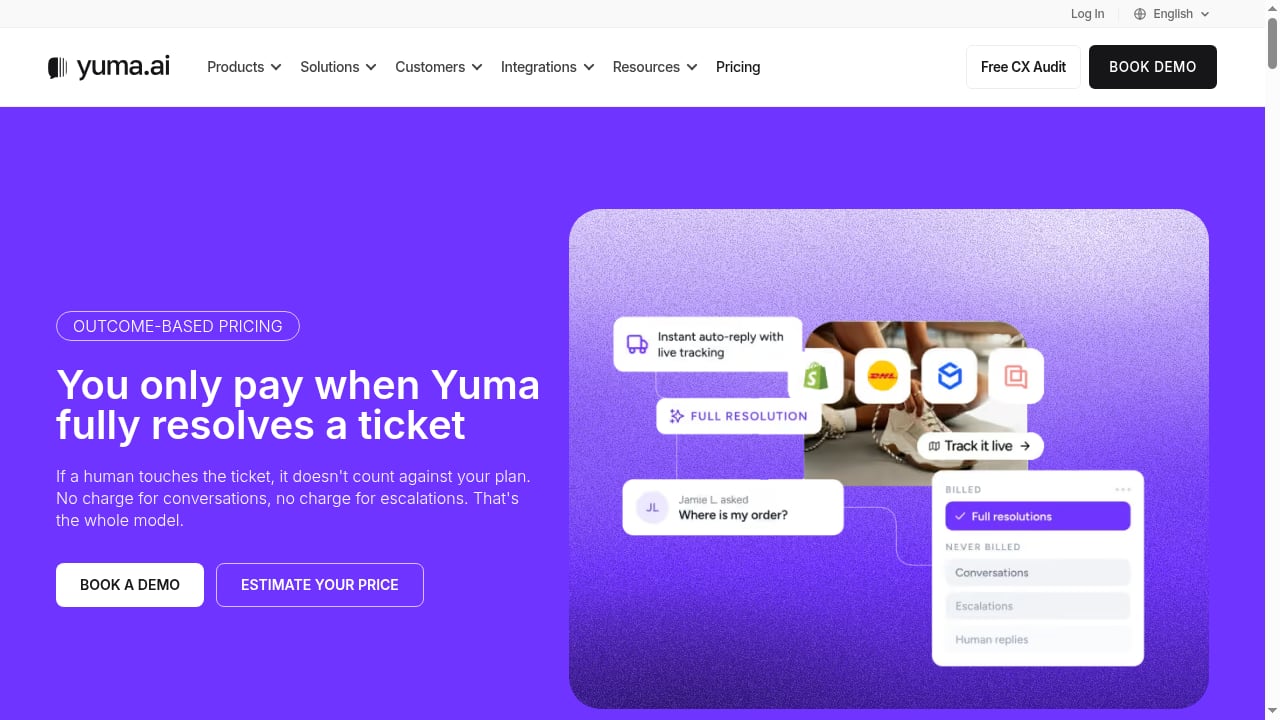
First viewport screenshot of yuma.ai.
Yuma does not publish a simple rate card on its main site, so pricing signals come from two places: its Shopify App Store listing and third-party analyses.
- Shopify App Store listing: a Small Merchant plan at $850/month and a Medium Merchant plan at $1,200/month, each with a package of automated tickets and overage fees.
- Per-resolution estimates: roughly $0.65–$0.70 per fully resolved ticket, per Yuma's own comparison material cited by third parties.
- Annual illustrative tiers reported by third-party reviewers: a Starter tier around $14,400/year for roughly 12,000 resolutions (about $1.20 each), a Growth tier around $40,000/year for about 48,000 resolutions (about $0.83 each), and a Scale tier around $90,000/year for about 120,000 resolutions (about $0.75 each), with rates falling toward a floor near $0.55 at high volume.
- Billing unit: you pay only for full resolutions — tickets handled start to finish with no human involved, counted once. Escalations are not charged.
- Add-ons: Sales AI, Social AI, Voice AI, and custom integrations are priced by scope; Sales AI runs on its own subscription.
- Trial: 30 days free on your own tickets on yuma.ai; the Shopify App Store listing shows 14 days. No implementation fee is reported.
Treat every figure above as a signal, not a quote. The economics only work if your resolution volume and ticket mix match the bundle you are sold — which is exactly why the free trial matters.
Setup: what the first 30 days look like
- Connect the help desk and commerce backend. Yuma reads order, catalog, and customer data from Shopify, WooCommerce, or WSHOP, and operates inside your existing help desk.
- Build the knowledge base. Answers are grounded in past conversations, your help center or macros, and your brand voice and policies. Stale or contradictory macros lower the ceiling — clean them first.
- Draft the Handbook. Playbooks for returns, WISMO, subscriptions, and so on are written and tested as simulated conversations before publishing.
- Ramp autonomy gradually. Start at a small percentage of tickets, review held replies, and expand intent by intent.
- Set hard limits. Cap refunds, discounts, and coupons before autonomous mode goes wide.
If you are comparing this managed model against self-serve tools, our eesel AI review 2026 covers a different trade-off between autonomy and hands-on control, and the top 10 AI customer experience and contact center software comparison puts resolution-based pricing in a broader market context.
How Yuma AI compares to the alternatives
| Option | Model | Best for | Watch out for |
|---|---|---|---|
| Yuma AI | AI agent layer inside your help desk; per-resolution annual contracts | Shopify-first DTC brands with high WISMO/returns volume | 12-month commitment; stack dependency |
| Gorgias | Help desk with AI built in | Teams that want one vendor and monthly plans | Less depth in autonomous action-taking |
| Intercom Fin | AI agent inside Intercom | Non-ecommerce and mixed support teams | Not ecommerce-specialized |
| Macha | AI support agent, similar layer model | Shopify merchants comparing resolution agents | Smaller integration footprint |
For a wider view of channel coverage and human-AI collaboration across platforms — including how omnichannel routing and WhatsApp workflows fit into an ecommerce stack — see the top 10 omnichannel customer support and live chat software.
Decision criteria: should you buy Yuma AI?
Score yourself honestly against these five questions.
- Is your ticket mix automatable? If more than half your volume is order status, returns, refunds, address changes, and subscription edits, the math works. If it is mostly exceptions and escalations, it does not.
- Are you on a supported help desk? Gorgias, Zendesk, Kustomer, Salesforce Service Cloud, Gladly, Front, Re:amaze, Sprinklr, Zoho Desk, or HubSpot Help Desk — otherwise stop here.
- Can you commit for 12 months? If you need a monthly exit, look at help desks with native AI instead.
- Do you have clean policies and macros? The agent is only as good as its grounding. Garbage in, confident garbage out.
- Will you accept data-use terms? If model-improvement clauses are a blocker, negotiate or opt out before signing.
If you answer yes to all five, run the 30-day trial on real tickets, measure full-resolution rate by intent, and only then discuss contract size.
Related reading
- How to Use SaleSmartly with WhatsApp Business for Cross-Border Customer Service - A detailed guide to how SaleSmartly's omnichannel customer service system works with WhatsApp Business, including setup steps, real-world scenarios, and FAQs to help cross-border businesses manage multi-account conversations and boost conversions.
- SaleSmartly vs Udesk vs ProProfs Chat: How to Choose a Cross-Border Customer Service System - Compare SaleSmartly, Udesk, and ProProfs Chat on channel coverage, human-AI collaboration, pricing, and use cases to help cross-border businesses pick the right live chat system.
- SaleSmartly vs JivoChat: A Cross-Border Customer Service System Selection Guide - Compare SaleSmartly and JivoChat across channel coverage, AI capabilities, customer operations, pricing, and use cases to help cross-border businesses choose the online customer service system that best fits their operations.
FAQ
Does Yuma AI replace my help desk? No. It plugs into the help desk you already run and resolves tickets inside it. You keep your existing inbox, routing, and reporting.
How is Yuma AI priced? Billing is per fully resolved ticket — tickets handled start to finish with no human involved. Published signals include Shopify App Store plans at $850 and $1,200 per month and third-party-reported annual tiers from roughly $14,400 to $90,000, with per-resolution rates falling from about $1.20 toward a $0.55 floor at high volume. Escalations are not charged.
Which help desks does Yuma AI support? Gorgias, Zendesk, Kustomer, Salesforce Service Cloud, Gladly, Front, Re:amaze, Sprinklr, Zoho Desk, and HubSpot Help Desk. Freshdesk and Intercom are not on the list.
How long does setup take? Yuma reports most brands go live in one to two weeks, with a 30-day free trial and automation ramped gradually from a small share of tickets to full coverage.
Can Yuma AI issue refunds and change orders on its own? Yes, in autonomous mode, subject to hard limits you set on refunds, discounts, and coupons. Every drafted reply passes through roughly 15 to 20 quality checks, and replies that fail are held for human review.
What results should I expect? Vendor-reported automation rates range from about 45% to 89% across named customers. Your rate depends on ticket mix, so measure it in the trial rather than budgeting on the best case.
Does Yuma AI work outside ecommerce? It is a vertical agent built for ecommerce and DTC brands. Support teams outside that scope are better served by horizontal AI agents.
Conclusion
Yuma AI is one of the more credible ecommerce AI agents available in 2026, and its specialization is the reason. By refusing to be a general-purpose support bot, it can take real actions — refunds, return labels, subscription skips — inside the help desks and commerce platforms DTC brands actually use, with safety checks and a tested Handbook behind them.
The case against it is equally specific: a 12-month commitment, a stack list that excludes some popular help desks, results that swing widely by ticket mix, and data-use terms that deserve scrutiny. If you are a Shopify-first brand with a high-volume, repetitive queue and you are willing to pilot before you commit, Yuma belongs on your shortlist. If you need flexibility or you sit outside its integration footprint, it does not.
Run the trial, measure full-resolution rate by intent, and let your own queue — not a case study — make the decision.
Sources: G2 reviews for Yuma AI, Yuma AI guide covering costs, setup, and supported help desks, Yuma AI review with pricing and product detail.