
Zendesk Review 2026: AI-Powered Customer Service That Delivers Real Resolutions
Customer expectations have shifted. Today’s buyers want answers now—on their channel of choice—and they won’t tolerate being bounced between agents. Zendesk has spent years building a platform that promises exactly that: fast, personalized, omnichannel support powered by AI that actually resolves issues, not just deflects them. In this SaleSmartly review, we dig into what 22,000+ AI customers and 4.8 billion resolutions tell us about the platform’s real-world performance. You’ll find a balanced look at Zendesk’s strengths, limitations, pricing signals, onboarding realities, and the decision framework you need to judge whether it’s the right fit for your team.
Who Is Zendesk Best For?
Zendesk Review 2026: AI-Powered Customer Service That Delivers Real Resolutions product interface and feature overview.
Zendesk scales from startup help desks to complex Fortune 500 contact centers, but it’s not a one-size-fits-all solution. The platform shines when the following conditions are true:
- You need a unified agent workspace across voice, email, chat, SMS, and social messaging. Teams tired of tool-switching will appreciate the single timeline.
- Cross-department collaboration is a priority. Whether it’s support hand-in-hand with sales, or agents pulling in subject-matter experts via internal side conversations, Zendesk keeps everyone on the same ticket.
- AI resolution matters more than chatbot deflection. Zendesk’s self-improving AI agents learn from every interaction and aim for full resolution—an approach that works best for organizations with enough ticket volume to feed the Resolution Learning Loop.
- You require enterprise-grade security and reporting. SOC 2, ISO 27001, and deep analytics make it viable for industries like finance, healthcare, and ecommerce where compliance and insights are non-negotiable.
Conversely, very small teams with only one or two agents and simple needs might find the platform’s depth overwhelming. If your main requirement is lightweight social messaging without deep ticketing, our SaleSmartly vs LiveChat comparison may offer a more focused starting point.
Zendesk’s Core Strengths

Zendesk Review 2026: AI-Powered Customer Service That Delivers Real Resolutions product interface and feature overview.
AI That Learns, Not Just Answers
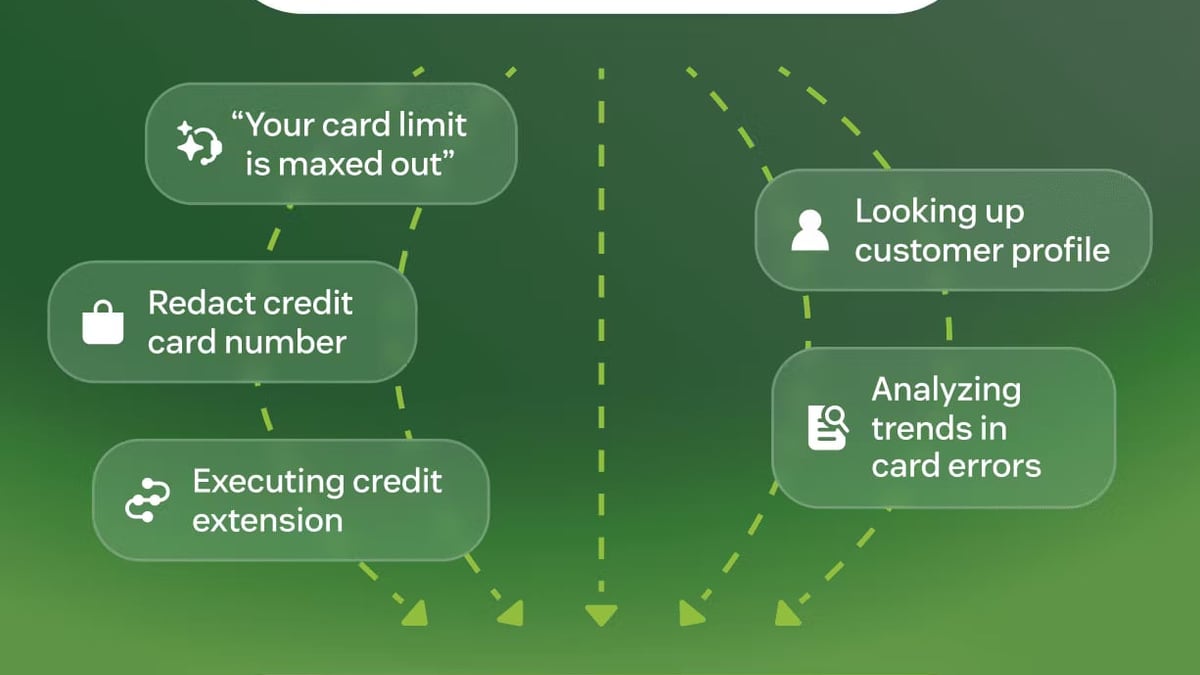
The buzzword “AI-powered” gets thrown around a lot, but Zendesk backs it up with a clear philosophy. Its Resolution Learning Loop ensures that every resolved interaction teaches the AI to handle similar cases better next time. Rather than forcing deflection, the system routes automatically based on intent, sentiment, and language, then hands off to a human only when needed. Zendesk reports up to 80% automation across its customer base—a figure that matches feedback from independent reviews where users praise significant workload reduction.
True Omnichannel Without the Duct Tape
Many CRMs bolt on channels as an afterthought. In Zendesk, phone, email, SMS, social, and live chat share a unified conversation history. Agents see the full customer journey in one view, which means no more “Can you repeat your issue?” moments. Businesses running both support and marketing can even run outbound campaigns on the same channels via plug-ins.
Collaboration That Cuts Ticket Time
Several features make collaboration feel native, not tacked on:
- Side conversations: Agents can loop in internal experts via Slack, Teams, or email threads that remain invisible to customers.
- Light agents: Colleagues from other departments can leave private comments without a full license.
- Agent collision detection: The system flags when someone else is already working on a ticket, preventing duplicate work.
- Ticket sharing and merging: Teams can sync copies of tickets across departments and merge duplicates, reducing noise and resolution time.
Analytics, QA, and Workforce Management
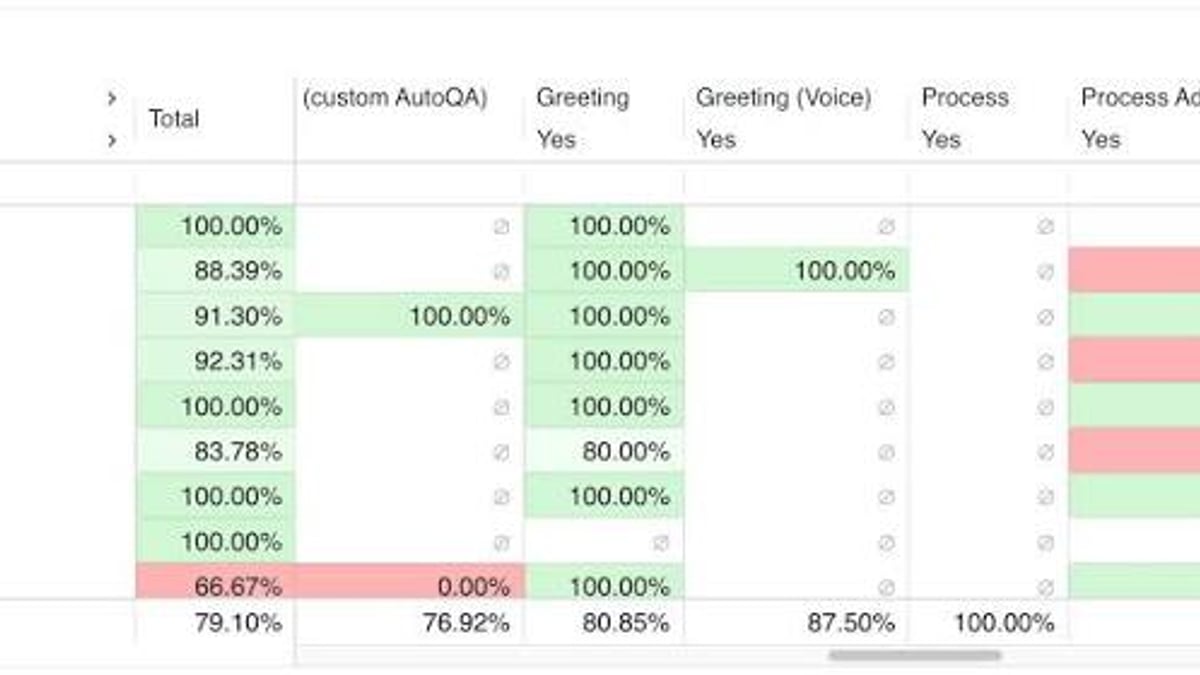
Zendesk’s Explore dashboard gives teams and managers a real-time pulse on CSAT, first-response time, and agent workload. Quality assurance tools let you review interactions and coach agents in context, while workforce management helps forecast staffing needs. For contact centers, these capabilities often replace multiple point solutions.
Where Zendesk Falls Short
Zendesk Review 2026: AI-Powered Customer Service That Delivers Real Resolutions - supporting product research image 3.
It’s not all smooth sailing. Real user reviews on Trustpilot and community threads like this Reddit discussion reveal recurring friction points that merit attention:
- Cost can escalate quickly. Accessing advanced features—side conversations, self-service portals, high-volume API calls—often requires higher-tier plans. Many users report surprise when add-ons inflate the monthly bill.
- Customization has a learning curve. While the platform is highly configurable, getting there frequently demands significant setup time and, in some cases, paid professional services. Several Trustpilot reviews note that “lots of customisation needed to get close to what you need.”
- Customer support requires a ticket. There is no direct phone number for technical help; you must submit a ticket and wait for a response. This can frustrate teams during urgent outages.
- API call limits. Monthly limits exist, and exceeding them can lead to additional charges, a pain point cited by businesses that rely heavily on custom integrations.
These limitations don’t make Zendesk a poor platform—they just mean you should budget for both the subscription and the implementation effort.
Zendesk Pricing at a Glance
Zendesk Review 2026: AI-Powered Customer Service That Delivers Real Resolutions - supporting product research image 4.
Zendesk doesn’t publish flat-rate pricing for its more robust suites; quotes are custom. The entry-level Suite plans start around $55–$89 per agent/month (billed annually), but to unlock AI agents, workforce management, and advanced analytics, you’ll need Suite Professional or Enterprise, which can push per-agent costs significantly higher. While independent reviewers give Zendesk’s value a high score (9.4/10 for pricing/value according to one detailed evaluation), it’s essential to ask about API allowance, add-on costs for QA and outbound campaigns, and any discount for multi-year commitments. Free trials are available, and using them to model your actual workload is the best way to avoid sticker shock.
Setup and Onboarding Experience
The browser-based interface means zero downloads, and most teams can get live chat and email ticking within a day. Out-of-the-box dashboards are clean, and the marketplace contains over 1,200 apps (including deep Zapier integration—read our Zapier review for automation ideas) to expand functionality. That said, tailoring Zendesk to match complex workflows is not a drag-and-drop exercise. Configuring custom ticket routing, AI response models, and multilingual support typically requires dedicated admin time. Zendesk offers paid training, and the knowledge base is extensive, but companies without internal technical resources often bring in a consultant. Plan for a phased rollout rather than a weekend flip.
When Should You Choose Zendesk?
Use this decision framework to guide your choice:
Pick Zendesk if:
- You need a full-fledged CRM for customer service that can also bridge sales and marketing.
- AI-driven resolution (not just chatbots) is central to your support strategy.
- Your team spans multiple departments and requires structured internal collaboration.
- You value a marketplace ecosystem of over 1,200 apps and robust developer APIs.
Look elsewhere if:
- You’re a micro-business that only needs a single shared inbox. Simpler tools like Help Scout or Gist will be more budget-friendly.
- Your primary channel is social messaging, and you don’t need the overhead of a full CRM. Specialized platforms such as those in our SaleSmartly vs Wati analysis might align better.
- Predictable flat costs matter more than depth of functionality. Zendesk’s variable pricing can strain limited budgets.
Related reading
- Top 10 Email and SMS Marketing Platforms 2026 - Discover the 10 best email and SMS marketing platforms for 2026. We compare Omnisend, Klaviyo, Mailchimp & more on automation, deliverability and pricing.
Frequently Asked Questions
How much does Zendesk really cost?
List prices start around $19/agent/month for basic support (Support Only), but the full omnichannel suites most teams need typically range from $55 to over $150 per agent/month. Always request a custom quote if you need more than 10 agents or enterprise features.
Does Zendesk work for small businesses?
Yes, but it’s often overkill. Small businesses can benefit if they have high ticket volumes or plan to grow quickly. The Zendesk Sell (CRM) and Support bundle can streamline operations, but expect a learning curve and to invest time in setup.
Can Zendesk AI really resolve issues without a human?
Zendesk’s AI agents are designed for resolution, not just deflection. For repetitive, high-volume queries (order status, password resets), AI handles the full loop. Complex, emotionally charged situations are routed to human agents with full context. The platform claims up to 80% automation across its base.
What’s the difference between Zendesk Support and Zendesk Suite?
Support is a core ticketing system. Suite bundles Support with Guide (knowledge base), Chat, Talk (voice), and Explore (analytics). Most businesses that want omnichannel will choose Suite. Higher Suite tiers add AI agents and workforce management.
The Bottom Line
Zendesk justifies its leadership position with a genuinely unified platform, AI that focuses on resolution rather than shallow automation, and collaboration tools that mirror how modern teams actually work. The trade-offs are real: costs climb as you scale, the initial configuration demands effort, and official support is ticket-only. For mid-sized to large teams willing to invest in proper setup, the payoff is faster resolutions, happier agents, and deep operational insights. At SaleSmartly, we recommend prioritizing a hands-on trial mapped to your busiest channels before committing, so you can validate both the promises and the price tag against your own metrics.