
How to Use SaleSmartly with WhatsApp Business for Cross-Border Customer Service
Most people doing cross-border business have run into this scenario: three or four WhatsApp accounts open at once, switching back and forth between phone, tablet, and computer, with customer messages scattered across different devices, and neither sales nor support can say clearly which lead has already been followed up. WhatsApp Business solves the question of "where the customer is," but once conversation volume grows, the official app alone struggles to support team collaboration.
This article explains clearly how SaleSmartly and WhatsApp Business work together: what each is responsible for, how the setup process works, what real-world scenarios are available, and which specific problems this combination can solve.
First, Clarify What Each Product Is Responsible For
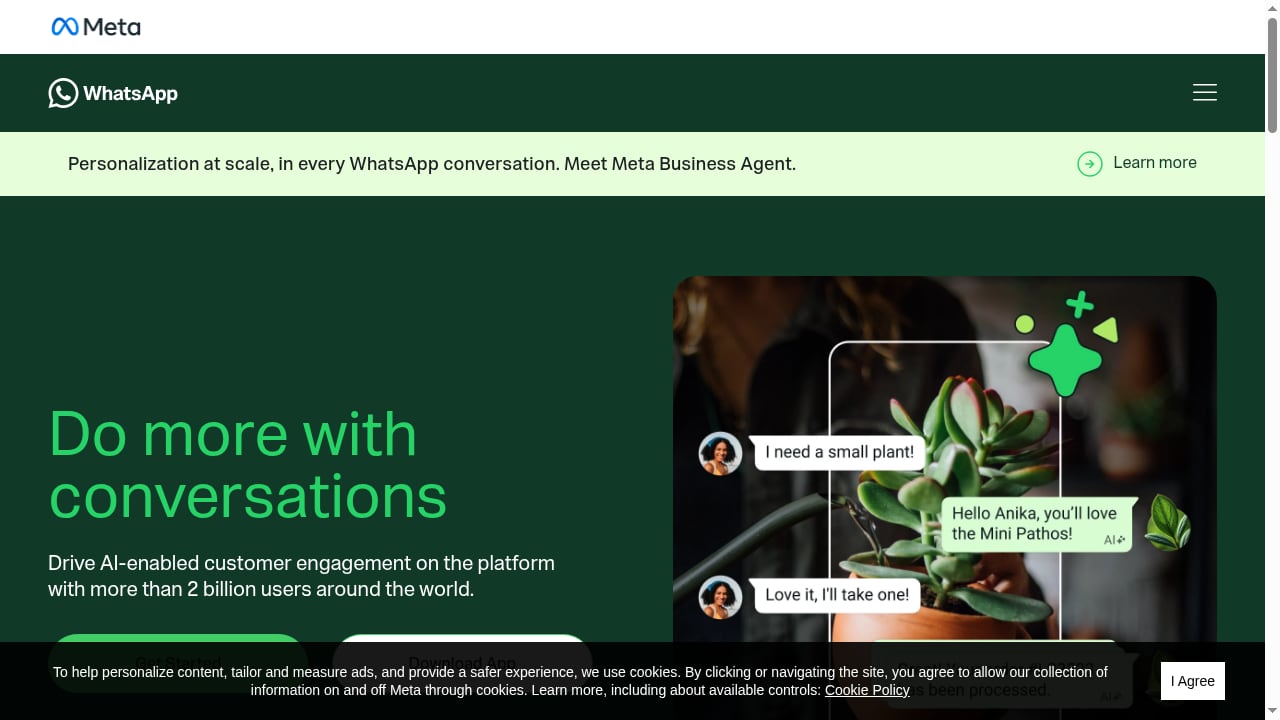
First viewport screenshot of WhatsApp for Business | Do more with conversations.
WhatsApp Business is Meta's messaging solution for businesses, comprising two main forms: the WhatsApp Business app for small and medium merchants, and the WhatsApp Business Platform (often called the WhatsApp Business API) for medium and large enterprises that need programmatic bulk communication. It provides marketing, notification, authentication, and service message capabilities, billed separately by message category and market, and covers more than 2 billion users worldwide.
SaleSmartly, on the other hand, is an omnichannel customer communication system centered on human agents with AI-powered customer service as a supplement. It supports connecting channels such as WhatsApp, Facebook Messenger, Instagram, Telegram, LINE, Email, VKontakte, WeChat, Zalo, and YouTube, covering pre-sales, in-sales, and after-sales stages.
In one sentence, the division of labor: WhatsApp Business provides the official channel and reach capabilities, while SaleSmartly provides a unified inbox, team collaboration, customer management, and automation. The former is the "road," the latter is the "dispatch center."
Why Connect the Two
First viewport screenshot of Precios de la plataforma de WhatsApp Business.
No More Manual Switching Between Multiple Accounts
Cross-border teams typically hold multiple WhatsApp accounts for different markets, different product lines, or to reduce the risk of a single account. The official WhatsApp app can only log in to one account on the same device, so teams can only keep operations running through multiple devices or frequent switching. After connecting to SaleSmartly, multiple WhatsApp accounts can be handled centrally in one backend, with conversations automatically assigned to different agents according to rules.
Conversations No Longer Stay on Personal Phones
If customer resources exist only on agents' personal devices, staff turnover will take leads away. After unified connection, conversation records, customer tags, and follow-up notes are all retained in the system, and managers can view the handling status of each account and each agent.
Humans and AI Each Do What They Are Good At
SaleSmartly's positioning is human-first with AI as a supplement: AI handles first-round reception, answers to common questions, and proactive follow-up, then hands over key business opportunities to human agents. This aligns with the direction of AI customer interaction capabilities supported by the WhatsApp Business Platform; the difference is that SaleSmartly places AI in a unified workspace, together with human agents and customer data.
Preparation Before Connecting: First Confirm the Account Type
First viewport screenshot of Business Platform Pricing.
WhatsApp has three common account forms, each with a different connection method:
| Account Type | Suitable For | Common Way to Connect to SaleSmartly |
|---|---|---|
| WhatsApp personal account | Mainly personal communication | QR code login |
| WhatsApp Business account (app version) | Small and micro businesses | QR code login |
| WhatsApp Business API account | Medium and large enterprises, bulk reach needed | Register or bind via the official API |
Before connecting, please confirm: the phone has WhatsApp installed and logged in, the account can send and receive messages normally, the SaleSmartly account has available WhatsApp device quota, and the phone and computer networks are working properly.
Step-by-Step Connection Process
Step 1: Add the WhatsApp Channel in SaleSmartly
Log in to SaleSmartly, go to the connection page, find the WhatsApp channel, and click add. Choose QR code login or protocol login according to the account type. For regular personal accounts and Business accounts, QR code login is generally selected.
Step 2: Configure the Hosted Device and Network
Select the device IP region commonly used by this WhatsApp account. If the team has its own proxy, you can enable a custom proxy and fill it in as required on the page. This step affects the stability of the account login environment, so it is recommended to keep it consistent with the region where the account is normally used.
Step 3: Link the WhatsApp Account
Link using a QR code or phone number as prompted. The QR code path is: on your phone, open WhatsApp, go to Settings or the more options menu, select Linked devices, tap Link a device, and scan the QR code displayed in the SaleSmartly backend.
Step 4: Assign Agents and Configure Automation
After a successful connection, confirm the status in the account list, and configure agent members, automation flows, and notes for that account. It is recommended to set up routing rules at this point, for example, assigning by market, by language, or by inquiry type.
If the enterprise uses an API account, the process will involve Meta's official verification and number registration. You can refer to WhatsApp API solutions to learn the details of account registration and blue tick verification.
Three Practical Scenarios You Can Reuse Directly
Scenario 1: Unified Reception for a Multi-Market Account Matrix
A seller operating in Southeast Asian and Middle Eastern markets uses three WhatsApp Business accounts to handle inquiries in different languages. After connecting to SaleSmartly, the three accounts enter the same inbox, the system automatically routes by language tag to the corresponding agents, and supervisors can see each account's daily reception volume and conversation performance on one dashboard.
Scenario 2: Ad Inquiries Caught by AI First, Then Handed to Humans
WhatsApp inquiries from ad campaigns often surge during a few time windows. You can set up AI first-round reception to confirm customer needs, product models, and budget ranges, and record them in the customer profile; when a customer expresses clear purchase intent, the conversation is automatically handed over to a human agent for follow-up. This way, no messages are missed, and human agents don't spend time on repetitive Q&A.
Scenario 3: Reactivating Old Customers and Driving Repeat Purchases
Based on customer tags and historical interactions, run targeted outreach to dormant customers. The WhatsApp Business Platform supports marketing messages, but template and user consent rules must be followed; in SaleSmartly, you can first filter the audience, then launch a bulk send, and collect replies back into the same conversation for continued follow-up.
What Specific Problems This Combination Can Solve
- Scattered messages: Messages from multiple WhatsApp accounts and channels such as Instagram and Messenger are centralized in one workspace, reducing missed replies.
- Chaotic collaboration: Conversations can be assigned, transferred, and traced, so agent departures won't take customer relationships away.
- Slow response: AI first-round reception handles repetitive questions, while human agents focus on high-value conversations.
- Unclear customer view: Tags, segmentation, and customer profiles make it clear at a glance "what this customer has asked about and what they have bought."
- Hard-to-attribute ad performance: Once conversations are linked to ad sources, you can determine which channels bring inquiries more worth investing in.
Selection Advice: When You Need an API Account
First viewport screenshot of Tarifs de la plateforme Business.
If the team has only one or two people and limited daily inquiry volume, using the WhatsApp Business app version with SaleSmartly QR code connection is enough: low cost and quick to get started.
When the following signals appear, you should consider upgrading to a WhatsApp Business API account: multiple agents need to be online at the same time, large-scale bulk messaging is needed, official blue tick verification is needed to boost trust, or integration with a CRM or order system is needed. API accounts have no device count limit, but messages are billed by category, so budget planning and template review processes need to be arranged in advance.
If you are still evaluating the customer service system itself, you can compare the channel coverage and human-AI collaboration dimensions in SaleSmartly vs EngageLab and Front to make a judgment.
FAQ
Can the WhatsApp Business app version and API account be connected to SaleSmartly at the same time?
Yes. The two types of accounts are connected as separate channels in SaleSmartly and handled together in the unified inbox. Teams can assign their use by market or business line.
Can the original WhatsApp phone still be used after connecting?
QR code login is a linked-device method, so the phone can still be used normally. However, note that the behavior of the same account logged in at multiple places must follow WhatsApp's rules, so it is recommended that the team clarify the primary and backup devices.
Will AI automatically reply to all messages?
No. SaleSmartly is designed to be human-first with AI as a supplement. You can set AI to intervene only in first-round reception or outside working hours, and to hand over to humans when purchase intent or complex issues are identified.
Will bulk messaging get the account banned?
WhatsApp has template and user consent requirements for marketing messages, and non-compliant bulk messaging carries risks. It is recommended to use an API account for large-scale outreach and to ensure recipients have consented to receive messages.
How long does connection take?
QR code connection is usually completed within a few minutes; API accounts involve Meta verification and number review, and the time depends on how well the materials are prepared.
Conclusion
WhatsApp Business is responsible for extending message channels to where customers are, while SaleSmartly is responsible for consolidating these channels into a workspace that can be managed, collaborated on, and analyzed. For cross-border enterprises that are expanding markets, increasing account numbers, and growing customer service teams, the value of this combination is not "connecting one more channel," but ensuring that every WhatsApp conversation can be caught, followed up, and retained.
If the team wants to further connect business tools, you can continue reading How to Integrate SaleSmartly with Zapier to link customer service actions with orders, forms, and notifications.
Reference sources:
- SaleSmartly: Instructions for integrating WhatsApp App accounts
- SaleSmartly official website: Omnichannel customer communication system
- SaleSmartly: WhatsApp API solutions
Related reading
- How to Integrate SaleSmartly with Zapier: A Practical Guide to Cross-Border Customer Service Automation - A detailed explanation of how SaleSmartly's omnichannel customer service system and the Zapier automation platform work together, covering integration steps, practical scenarios, and FAQs to help cross-border businesses connect customer service with business tools and improve efficiency.
- SaleSmartly vs EngageLab and Front: How to Choose a Cross-Border Customer Service System - Compares SaleSmartly, EngageLab, and Front across four dimensions—channel coverage, human-AI collaboration, customer operations, and deployment cost—to help cross-border businesses choose an online customer service system that fits their business.
- SaleSmartly vs Fin: Key Differences in Cross-Border Customer Service Selection - Compares the differences between SaleSmartly and Fin in channel coverage, human collaboration, AI automation, pricing, and suitable scenarios to help cross-border businesses choose an online customer service system that better fits their business.