
Meta for Business Review 2026: Features, Pricing & Verdict
In the ever-shifting landscape of digital advertising, Meta for Business remains a dominant force. At SaleSmartly, we’ve analyzed the platform’s capabilities through real-world usage, third-party ratings, and community insights to bring you this evidence-based review. Whether you’re a small business owner, a marketer, or an enterprise team, understanding the true value—and the real headaches—of Meta’s advertising ecosystem is essential before you commit budget.
What Is Meta for Business?
Meta for Business Review 2026: Pros, Cons, and Verdict - supporting product research image 1.
Meta for Business (formerly Facebook for Business) is a comprehensive advertising and marketing suite that lets businesses create, manage, and optimize ad campaigns across Facebook, Instagram, Messenger, and the Audience Network. It includes tools like Ads Manager, Business Suite, Commerce Manager, and Audience Insights. The platform harnesses the vast data Meta collects to offer precise targeting based on demographics, interests, behaviors, and even offline activity.
Ideal Users and Core Use Cases
Meta for Business serves a wide audience—from solo entrepreneurs to global brands. Core use cases include:
- Brand awareness: Reach new audiences at scale with video and image ads.
- Lead generation: Collect emails and contact info directly through lead forms.
- Online sales: Drive purchases on your website, Shopify store, or via Instagram Shopping. If you’re building a Shopify store, explore our Shopify review to see how it pairs with ad channels. For multi-channel sellers, our top e-commerce marketplaces guide can help you balance your strategy.
- App installs: Promote mobile app downloads with cost-per-install campaigns.
- Local storefront traffic: Use location targeting to foot traffic to physical stores.
Businesses in retail, e-learning, finance, and services find the platform particularly effective because of the rich audience data.
Strengths of Meta for Business
Meta for Business Review 2026: Pros, Cons, and Verdict - supporting product research image 2.
- Unmatched audience reach: With billions of active users across Meta’s apps, you can tap into a massive, diverse audience.
- Advanced targeting tools: Custom Audiences, Lookalike Audiences, and detailed demographic filters let you home in on high-intent users. Retargeting capabilities help re-engage past visitors or customers.
- Versatile ad formats: Carousel ads, Reels ads, collection ads, and Stories ads allow you to showcase products in compelling ways.
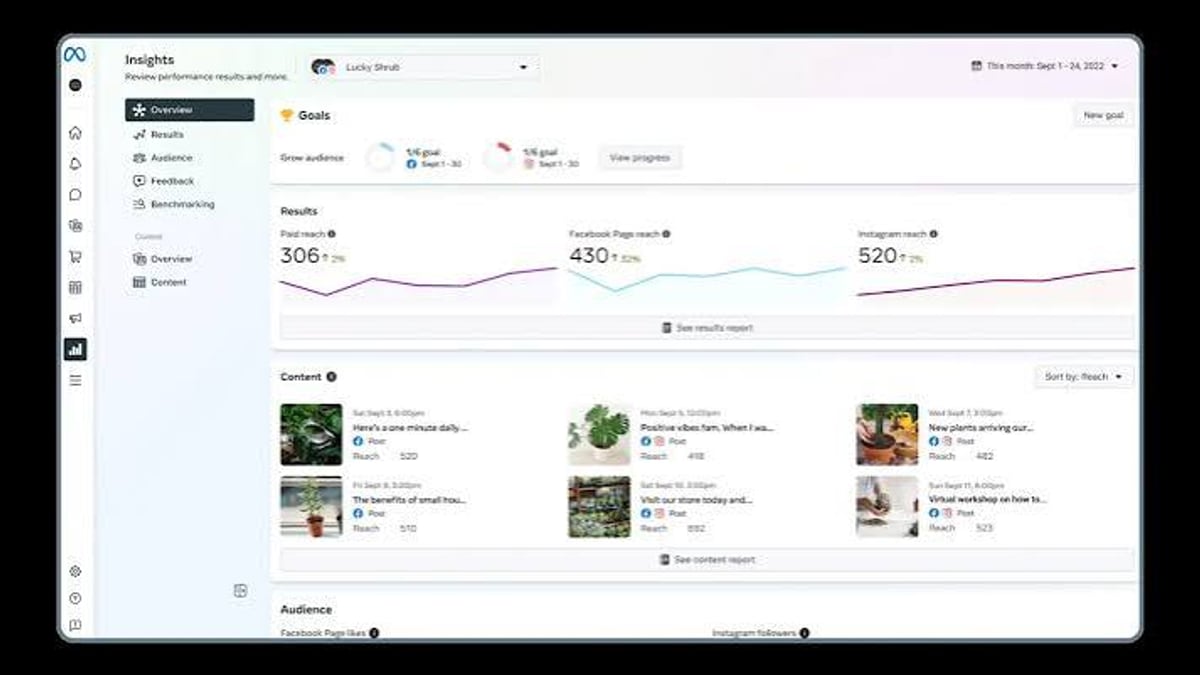
- Robust analytics: Ads Manager provides granular performance data—impressions, clicks, conversions, and return on ad spend (ROAS)—enabling data-driven optimization.
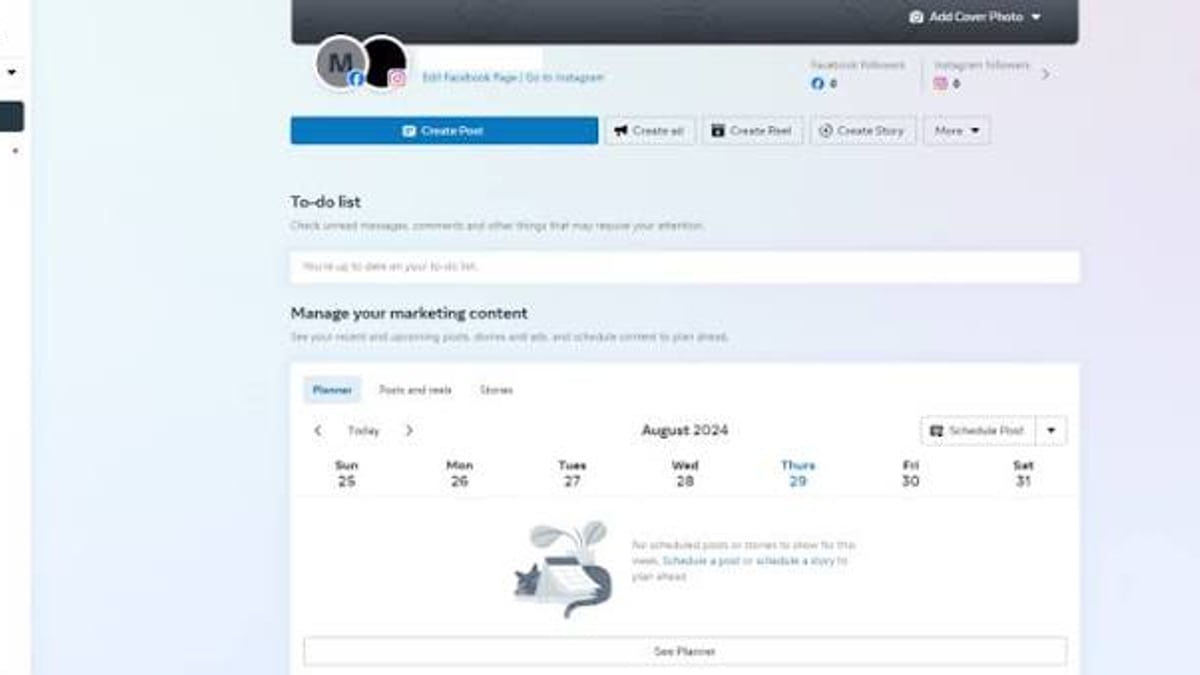
- Integrated business management: Meta Business Suite centralizes post scheduling, messaging, and review management. According to user reviews on Capterra, the platform holds a solid 4.3/5 rating, with many praising its targeting and reach.
Limitations and Common Complaints
Despite its strengths, Meta for Business often frustrates users:
- Steep learning curve: The interface can be overwhelming, especially for beginners. Constant updates and feature relocations confuse even experienced marketers.
- Inconsistent support: Many users report difficulty reaching customer service. Reddit discussions, such as one on r/SocialMediaMarketing, call the platform “an abomination” due to bugs and unhelpful support (source).
- Ad account suspensions: Unpredictable policy enforcement can lead to sudden account restrictions, disrupting campaigns.
- Ad fatigue and rising costs: In competitive niches, ad costs can climb, and audiences may tire of seeing repeated ads.
- Privacy changes: Apple’s iOS updates and evolving regulations have limited data tracking, affecting retargeting accuracy.
Pricing Signals: How Much Does It Cost?
Meta for Business is free to join. You’ll pay only when you run ads. The platform uses an auction model where you bid for ad placements. Key pricing signals:
- Budget control: Set daily or lifetime budgets as low as $1 per day (though meaningful results often require higher spend).
- Cost per result: CPC typically ranges from $0.50 to $3.00 in many industries; cost-per-impression (CPM) varies from $5 to $20. Lead gen costs can be $2–$15 per lead.
- No long-term contracts: You can pause or adjust campaigns anytime.
- Hidden cost: Time invested in learning and managing campaigns is often the biggest expense for small teams.
Setting Up Meta for Business: A Step-by-Step Overview
Meta for Business Review 2026: Pros, Cons, and Verdict - supporting product research image 3.
- Create a Business Account: Go to business.facebook.com and sign up. You’ll need a personal Facebook profile to start.
- Set up your Facebook Page and Instagram profile: These are required to run ads. Ensure they accurately represent your brand.
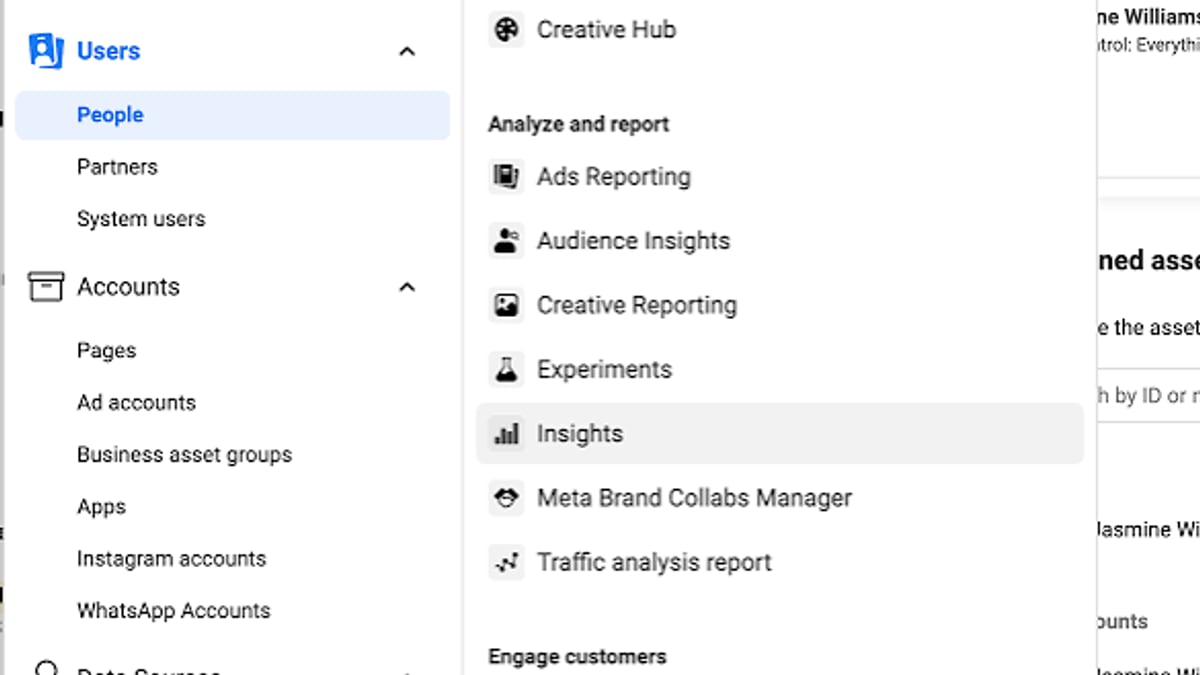
- Open Ads Manager: This is your campaign control center. You can also use Meta Business Suite for a more integrated experience.
- Install the Meta Pixel: Add the tracking code to your website to measure conversions and build audiences for retargeting. Use partner integrations for platforms like Shopify or WooCommerce.
- Define your campaign objective: Choose from awareness, consideration, or conversion goals.
- Build your audience: Use location, demographics, interests, and custom audiences. Start with a small test audience to refine.
- Set budget and schedule: Pick a daily limit and duration.
- Design your ad: Use high-quality creatives that fit the placement—square, vertical, or video.
- Launch and monitor: Regularly check performance, A/B test creatives, and adjust bids.
Meta’s official guide on managing reviews walks you through handling customer ratings and responses, which is an important part of maintaining trust.
Decision Criteria: Should You Choose Meta for Business?
Meta for Business Review 2026: Pros, Cons, and Verdict - supporting product research image 4.
Choose Meta for Business if:
- You need access to a vast, targeted audience and want to visually showcase products or services.
- You have the time and skill to manage campaigns actively, or you can outsource to an agency.
- You sell directly to consumers and can leverage dynamic product ads and retargeting.
Consider alternatives if:
- You prefer a simpler platform with less frequent updates (Google Ads or LinkedIn Ads may offer more stability).
- Your audience is niche and better reached on other networks (e.g., B2B on LinkedIn, younger demographics on TikTok).
- You need highly responsive, human customer support—Meta’s support is mostly automated.
Related reading
- 10 Best Messaging and Calling Apps for 2026 (Expert Review) - Discover the top 10 messaging and calling apps in 2026. We compare privacy, voice/video quality, and features to help you pick the right chat app for personal or business use.
- How to Use SaleSmartly with WooCommerce: Setup & Automation - Discover how to integrate SaleSmartly with your WooCommerce store. Step-by-step setup guide, AI chatbot automation, omnichannel support workflows, and tips to boost sales.
- SaleSmartly vs Tidio vs Respond.io: AI Chat Platforms Compared - Compare SaleSmartly, Tidio, and Respond.io on omnichannel messaging, AI agents, CRM, and analytics. Find the best AI conversation platform for your business.
Frequently Asked Questions
Is Meta for Business the same as Facebook for Business?
Yes. The platform was rebranded from Facebook for Business to Meta for Business, but it encompasses Facebook, Instagram, Messenger, and the Audience Network.
How do I handle customer reviews on Meta for Business?
Meta may prompt customers to rate their purchase experience after interacting with your ads. You can view, respond to, and report reviews through the Ratings and reviews tool in Meta Business Suite. Refer to Meta’s help article for step-by-step instructions.
Can I integrate Meta for Business with my online store?
Absolutely. You can connect your Shopify or WooCommerce store, install the pixel, and run dynamic product ads. For a complete look at Shopify’s capabilities, read our Shopify review.
How much do I need to spend to see results?
It depends on your industry and goals. Many small businesses start with $10–$20 per day and scale up as they discover winning audiences. The key is consistent testing and optimization.
Why do some businesses complain about the platform?
Frequent UI changes, ad account issues, and limited support are common gripes. The learning curve is steep, which can overwhelm time-strapped entrepreneurs.
Conclusion
Meta for Business remains one of the most powerful advertising ecosystems in 2026, offering unmatched reach, sophisticated targeting, and diverse creative possibilities. While its steep learning curve and inconsistent support are real pain points, the platform’s flexibility makes it a go-to for businesses ready to invest time or partner with experts. At SaleSmartly, we’ll continue to track Meta’s updates so you can make informed decisions about your advertising stack.