
SaleSmartly and Mailchimp Synergy: A Guide to Integrating Cross-Border Customer Service and Email Marketing
In cross-border business, customer service and marketing often operate in silos: the customer service team handles real-time inquiries on WhatsApp, Messenger, and other channels in SaleSmartly, while the marketing team sends emails and SMS via Mailchimp. Customer data is fragmented, leading to duplicate communication and delayed follow-ups. This article explains how to combine SaleSmartly's omnichannel customer service capabilities with Mailchimp's email marketing automation to build a closed loop from inquiry to conversion.
Why Integrate SaleSmartly with Mailchimp
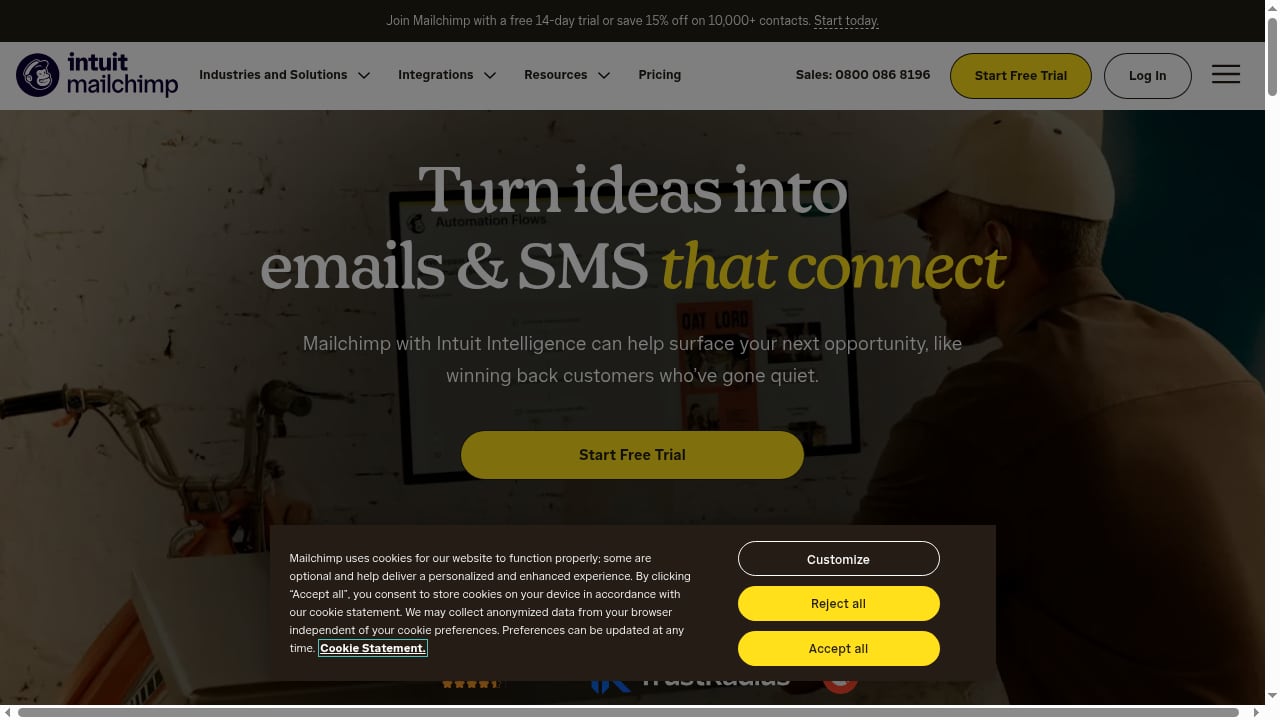
First viewport screenshot of mailchimp.com.
SaleSmartly is an omnichannel communication system that primarily relies on human customer service, supplemented by AI-powered customer service, and supports channels such as WhatsApp, Facebook Messenger, Instagram, Telegram, LINE, Email, VKontakte, WeChat, Zalo, and YouTube. Mailchimp is an email and SMS marketing automation platform that uses real-time user behavior data and artificial intelligence to improve conversions.
The core value of integrating the two lies in:
- Unified customer view: Customer service agents can view customers' email interaction history in SaleSmartly, and the marketing team can segment audiences in Mailchimp based on customer service tags.
- Automated triggers: After customers complete an inquiry in SaleSmartly, they automatically enter Mailchimp's nurturing process; email click behavior can trigger follow-up tasks in SaleSmartly.
- Improved conversion rates: Real-time communication resolves doubts, while email marketing continuously nurtures leads, reducing customer churn.
According to SaleSmartly's official blog, omnichannel aggregation can significantly improve operational efficiency, and Mailchimp's automation capabilities can further amplify this advantage.
Preparation Before Integration
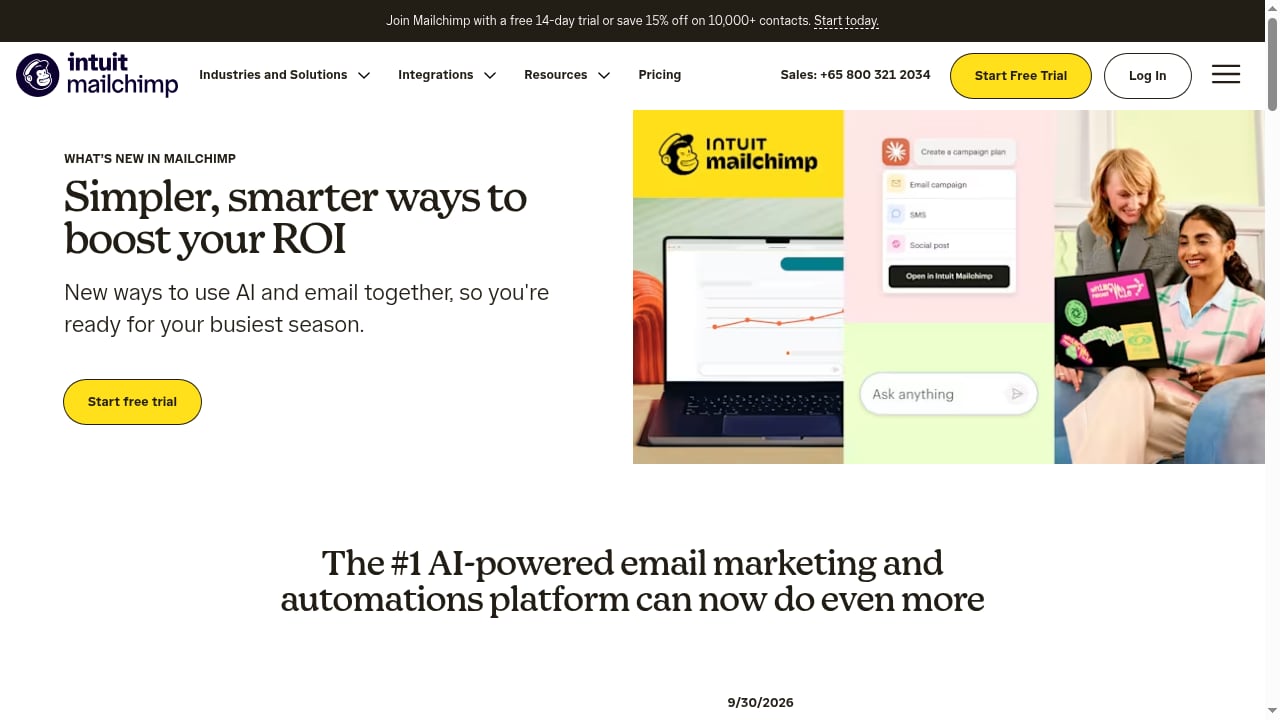
First viewport screenshot of mailchimp.com.
Before starting the integration, please confirm:
- SaleSmartly account: At least one channel (such as WhatsApp or live chat) is configured, and you are familiar with tags and custom fields.
- Mailchimp account: An audience list has been created, and you understand basic automation workflows.
- API permissions: Ensure you have API keys or integration permissions for both platforms.
- Data field mapping: Plan the correspondence between customer fields in SaleSmartly (such as email, tags, source) and Mailchimp fields.
Integration Steps: Connecting SaleSmartly and Mailchimp

Email & SMS Marketing Platform | Mailchimp product interface.
Currently, SaleSmartly and Mailchimp can be connected via automation platforms like Zapier, or data synchronization can be achieved using Webhooks. Below is the general process:
Step 1: Create a Zap in Zapier
Log in to Zapier, select SaleSmartly as the trigger app (or trigger via Webhook), and Mailchimp as the action app. If reverse synchronization is needed, create a second Zap.
Step 2: Set Trigger Conditions
Common trigger events include:
- New customer added in SaleSmartly
- Customer tag updated
- Conversation ended with a satisfaction rating
Step 3: Map Fields
Map SaleSmartly's customer email, name, tags, and custom fields to the corresponding fields in Mailchimp. Ensure the email field is accurate to avoid bounces.
Step 4: Test and Enable
Send test data to confirm that contacts are correctly created or updated in Mailchimp. After enabling the Zap, new data will sync automatically.
For more in-depth automation connections, refer to the detailed guide on How to Integrate SaleSmartly with Zapier.
Practical Scenarios: Workflows After Integration
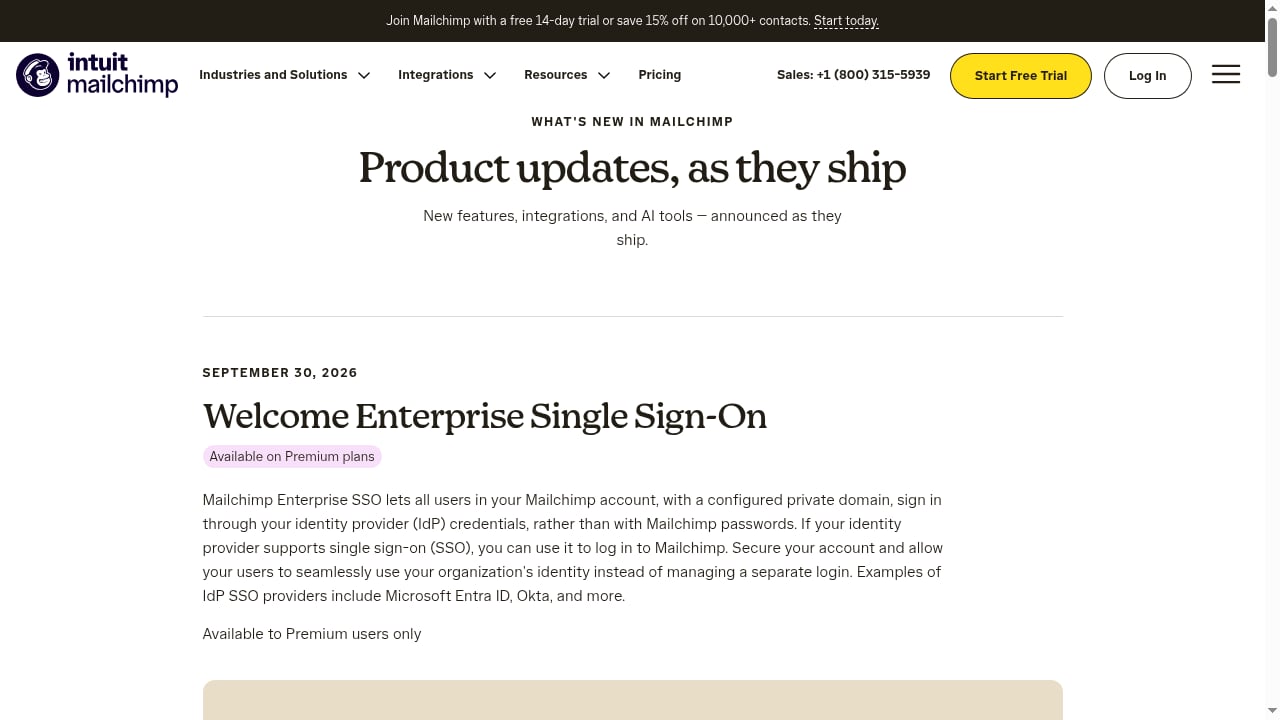
First viewport screenshot of mailchimp.com.
Scenario 1: Pre-sales Inquiry to Email Nurturing
A customer inquires about product pricing via SaleSmartly's WhatsApp channel. After the agent answers, they tag the customer as "high intent." Zapier detects the tag update and automatically adds the customer's email to Mailchimp's "High-Intent Nurturing" audience group, triggering an email with product comparisons and a coupon. After the email is sent, Mailchimp's return data can update the customer fields in SaleSmartly, reminding the agent to follow up.
Scenario 2: Abandoned Cart Recovery
A customer adds items to the cart on an independent site but does not pay. SaleSmartly pops up a discount reminder via live chat, but the customer does not respond. The system syncs the customer information to Mailchimp, which sends an abandoned cart recovery email with a limited-time discount. If the customer clicks the email, Mailchimp notifies SaleSmartly via Webhook, and the agent can proactively initiate a chat.
Scenario 3: Post-sale Satisfaction Survey
After the agent ends the conversation in SaleSmartly, it automatically triggers Mailchimp to send a satisfaction survey email. Based on the rating, low-score customers are tagged and assigned to the customer service supervisor for follow-up, while high-score customers enter the loyalty program.
These scenarios demonstrate the value of two-way data flow between customer service and marketing. As emphasized by Brand Booster Club, going global brands need the synergy of precise toolchains, not isolated usage.
Key Configurations and Considerations
- Data privacy compliance: Ensure customers consent to receive marketing emails and comply with regulations such as GDPR.
- Field consistency: Regularly check field mappings to avoid data misalignment.
- Frequency control: Avoid harassment from simultaneous outreach by customer service and marketing; set reasonable contact intervals.
- Error handling: Set up error notifications in Zapier to promptly handle synchronization failures.
Frequently Asked Questions (FAQ)
Q1: Is there a native integration between SaleSmartly and Mailchimp?
Currently, they are mainly connected via Zapier or Webhook. SaleSmartly supports Webhook output events, and Mailchimp provides an API, enabling custom integration.
Q2: Does the integration require a technical team?
Using Zapier requires no programming; you can configure it through the interface. For complex logic, you may need developers.
Q3: Is customer data synchronization real-time?
It depends on the trigger method. Zapier typically has a few minutes' delay, while Webhook can be near real-time.
Q4: How does Mailchimp's SMS function work with SaleSmartly?
You can sync phone numbers from SaleSmartly to Mailchimp for SMS marketing, but pay attention to channel preferences and compliance.
Q5: How to measure the effectiveness after integration?
Monitor metrics such as email open rate, click-through rate, customer service response time, and conversion rate. View and compare them in the SaleSmartly and Mailchimp backends respectively.
Conclusion
The integration of SaleSmartly and Mailchimp essentially connects real-time communication with automated marketing, forming a closed loop of "inquiry-nurturing-conversion-retention." Through proper integration configuration, cross-border businesses can break down data silos and improve customer experience and operational efficiency. It is recommended to start with a small scenario as a pilot and gradually expand to the entire process. For further understanding of customer service system selection, refer to the comparative analysis of SaleSmartly vs. EngageLab and Front.
Related reading
- How to Integrate SaleSmartly with Zapier: A Practical Guide to Cross-Border Customer Service Automation - Detailed explanation of how SaleSmartly's omnichannel customer service system and Zapier automation platform work together, covering integration steps, practical scenarios, and FAQs to help cross-border businesses connect customer service with business tools and improve efficiency.
- SaleSmartly vs. EngageLab and Front: How to Choose a Cross-Border Customer Service System - Compares SaleSmartly, EngageLab, and Front from four dimensions: channel coverage, human-AI collaboration, customer operations, and deployment cost, helping cross-border businesses choose an online customer service system that fits their business.
- SaleSmartly vs. Fin: Key Differences in Cross-Border Customer Service Selection - Compares the differences between SaleSmartly and Fin in channel coverage, human collaboration, AI automation, pricing, and applicable scenarios, helping cross-border businesses choose an online customer service system that better fits their business.
Sources and further reading
- vmcardio partners — Cross-Border Payment and E-commerce Going Global Resource Navigation Platform - vmcardio partners — Cross-Border Payment and E-commerce Going Global Resource Navigation Platform, gathering quality partners such as overseas IP proxies, fingerprint browsers, and going-global tools to help with advertising, e-commerce operations, and cross-border business expansion.