
tawk.to Review 2026: Is the Free Live Chat Still Worth It?
Most live chat tools charge per agent, per conversation, or per AI resolution. tawk.to takes the opposite approach: the core platform is free, with unlimited agents, unlimited chats, and unlimited websites. That promise has made it one of the most widely deployed chat widgets on the web, with the company reporting more than 6 million businesses using it.
But free does not automatically mean right for your team. This review looks at what tawk.to actually includes, where it holds up under real support workloads, where it strains, and how to decide whether it belongs in your stack in 2026.
What tawk.to actually is
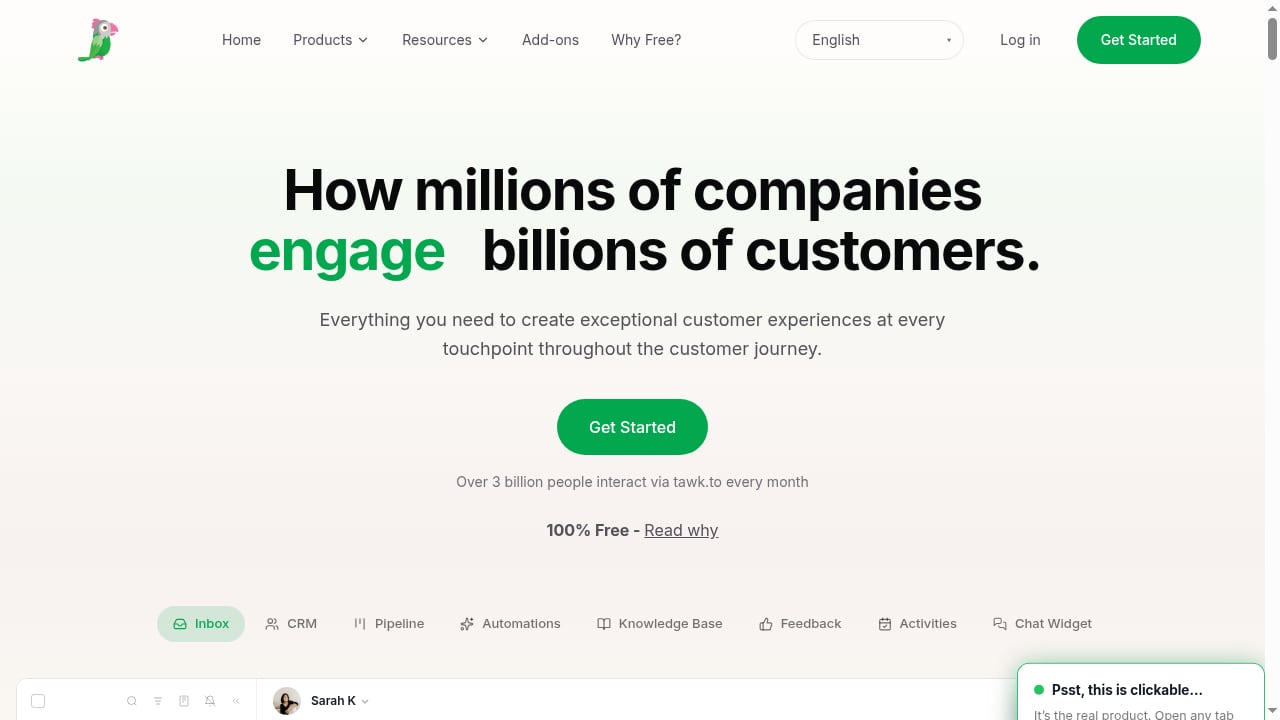
First viewport screenshot of tawk.to - Free Live Chat Software for Your Website.
tawk.to is a customer communication platform built around a single shared inbox. From that inbox you can handle:
- Live chat from a customizable website widget
- Ticketing that converts conversations into trackable follow-ups
- A knowledge base for self-service answers
- AI Assist for drafting and automating responses (paid add-on tiers)
- CRM-style visitor data, including geolocation, device type, browsing path, and typing activity
The pitch is consolidation: instead of stitching together a chat tool, a help desk, and a separate knowledge base, you run one inbox and one agent interface.
Who tawk.to is ideal for
First viewport screenshot of Update billing information in tawk.to — tawk.to Academy | tawk.to.
Small teams with real chat volume but no software budget
If you are a 2–20 person business answering questions from a website, tawk.to's free tier removes the most common blocker: per-seat pricing. You can add every team member without the bill changing.
WordPress, Joomla, and Magento sites
The widget installs cleanly on common CMS platforms, usually through a plugin or a short JavaScript snippet. For site owners who want chat live in under an hour, this is one of the lowest-friction paths available.
Teams that want chat and ticketing in one place
Because conversations can be escalated into tickets, tawk.to suits support teams that lose track of issues when chat ends. The handoff from live conversation to tracked ticket is native rather than bolted on.
Cost-sensitive startups testing whether chat converts
If you are not yet sure chat will pay for itself, a free platform is a rational experiment. You can measure chat-driven leads before committing to a paid vendor.
Who should look elsewhere
- Enterprises needing deep routing, SLAs, and compliance controls. tawk.to's administration is functional but not built for complex multi-brand governance.
- Teams that need mature AI resolution out of the box. AI Assist exists, but reviewers consistently describe the chatbot layer as basic compared with AI-first platforms.
- Businesses that depend on heavy native integrations. Multiple user reviews note that connections to other apps are weaker than some alternatives.
- High-volume teams needing granular analytics. Reporting covers the essentials; it is not a data warehouse.
Strengths, backed by what users and testers report
The price is genuinely unusual
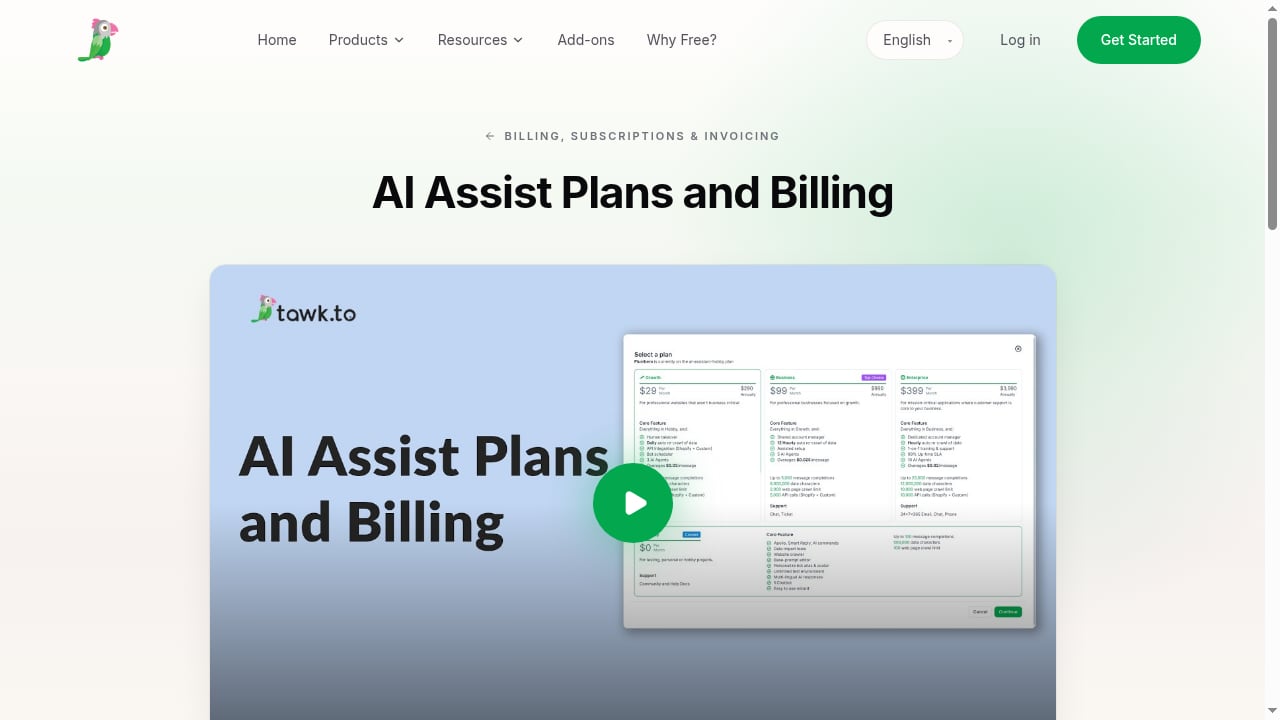
The core platform is free with no agent, chat, or site limits. Paid options exist mainly as add-ons: removing tawk.to branding and adding AI capabilities are each priced around $29 per month at entry level, with AI tiers scaling upward by message volume. Human-assisted services are also sold separately.
Real-time visitor monitoring is a standout
Agents can see who is on the site, where they came from, what device they use, and even when they are typing. This is the feature that turns chat from reactive to proactive, and it is available without paying.
Multi-chat handling and internal collaboration
Agents can run several conversations at once, use canned shortcuts for repeated questions, and message each other privately during a chat. Reviews from long-term users highlight exactly this: handling multiple chats and jumping in with canned replies during busy periods.
Proactive triggers and customization
The widget can be resized, recolored, repositioned, and translated. Automated triggers can fire based on time on page, pages visited, or exit intent. For lead capture, this is the highest-leverage free feature.
Limitations you should plan around
First viewport screenshot of AI Assist Plans and Billing — tawk.to Academy | tawk.to.
Notification reliability and mobile stability
Independent testing has flagged occasional notification issues and an unstable mobile app. If your agents live on their phones, test this before committing.
A learning curve at setup
Several reviewers describe troubleshooting after website changes or integration updates. The widget is easy to install but can break when your site changes — budget time for verification after deployments.
Integration depth is not the selling point
CMS plugins and automation connectors exist, but users report that connections to other business apps are less seamless than competing products. If your stack depends on tight two-way sync, map the specific integration before you migrate.
AI is an add-on, not the foundation
AI Assist is priced separately and reviewed as functional rather than advanced. If agentic resolution is central to your 2026 strategy, compare dedicated AI-first platforms before deciding.
Pricing signals: what is actually free vs paid
First viewport screenshot of Billing, Subscriptions & Invoicing — tawk.to Academy | tawk.to.
| Layer | What you get | Cost signal |
|---|---|---|
| Core platform | Live chat, ticketing, knowledge base, unlimited agents and sites | Free |
| Branding removal | Hide the tawk.to badge | Around $29/month |
| AI Assist | Tiered by monthly AI message volume | Free hobby tier, then paid tiers from roughly $29/month upward |
| Voice, video, screen share | Additional channels | Paid add-ons |
| Hired agents / virtual assistants | Human coverage | Hourly and monthly packages |
Two practical cautions: paid subscriptions are generally billed in advance and are not refundable, and the free tier keeps the tawk.to badge visible. For many small sites the badge is a minor trade-off; for premium brands it is a real cost to factor in.
Setup: what to expect
- Create the account and add a property. Each website you monitor is a separate property under one dashboard.
- Install the widget. Use a CMS plugin or paste the JavaScript snippet before the closing body tag.
- Configure departments and agents. Set aliases, photos, and routing so chats reach the right people.
- Build shortcuts and triggers. Write canned replies for your top ten questions, then set proactive rules for pricing, checkout, and exit-intent pages.
- Connect the knowledge base. Publish self-service articles so agents can link answers instead of retyping them.
- Test after every site change. This is the step most teams skip and the one reviewers most often regret skipping.
Expect a working setup in an afternoon. Expect refinement — routing rules, triggers, and canned replies — to take a few weeks of real traffic.
How to decide: a short decision framework
Ask these five questions before you commit:
- Is chat volume low to moderate? tawk.to fits comfortably. At very high volume, analytics and routing limits surface.
- Do you need AI to resolve, not just suggest? If yes, evaluate AI-first platforms first.
- Does your stack require deep native integrations? If yes, verify each one individually.
- Is the tawk.to badge acceptable on your site? If not, add the branding-removal cost to your comparison.
- Do agents work primarily from mobile? If yes, test the mobile app during a trial period.
If you are comparing broader options, our roundups of AI-first customer service platforms and customer communication platforms put tawk.to in context against paid rivals. If your evaluation leans toward developer-friendly messaging infrastructure, the Bird review covers a very different architecture.
Related reading
- Top 10 AI Customer Service Software Products 2026 - Compare the top 10 AI customer service software products for 2026 on resolution depth, channels, pricing, and fit, with evidence and decision guidance.
Sources and further reading
- Read Customer Service Reviews of tawk.to - Trustpilot - Write a reviewVisit website · Write a review. We use technology to protect ... Their free software covered almost every features you may need in live c...
FAQ
Is tawk.to really free forever?
The core live chat, ticketing, and knowledge base features are free with no agent or chat limits. Paid add-ons — branding removal, AI Assist tiers, voice and video, and human agent services — are optional.
How many agents can I add?
There is no agent cap on the free plan, which is the main reason small teams choose it over per-seat competitors.
Does tawk.to include a chatbot?
Yes, through AI Assist, which has a limited free tier and paid tiers priced by monthly AI message volume. Independent reviewers describe the chatbot as basic compared with AI-first platforms.
Can I use tawk.to on WordPress?
Yes. It integrates with WordPress, Joomla, Magento, and other CMS platforms, typically via plugin or a JavaScript snippet.
What are the main complaints?
Recurring themes in user reviews include occasional notification problems, an unstable mobile app, weaker integrations than some alternatives, and widget issues after website changes.
Is tawk.to good for enterprise support?
It can work for smaller support teams, but enterprises needing complex routing, strict SLAs, and deep compliance controls usually outgrow it.
Conclusion
tawk.to remains one of the strongest value propositions in live chat. The free tier is not a teaser — it includes the features most small and mid-sized teams actually use: real-time visitor monitoring, unlimited agents, canned replies, proactive triggers, ticketing, and a knowledge base. Verified user reviews on Capterra and independent testing from TechRadar both land on the same conclusion: exceptional value, with technical and AI limitations to plan around.
Choose tawk.to if your priority is launching fast, keeping software costs near zero, and handling moderate chat volume with a small team. Look elsewhere if AI-driven resolution, enterprise governance, or deep integration ecosystems are non-negotiable. The honest answer is that tawk.to is not the most capable platform — it is the most accessible one, and for a large share of businesses that is the deciding factor.